

Quran karim Ahmed El-hawachi
Android 2018Quran karim Ahmed El-hawachi provides Surah and ayah playback for listening, reading along, and repeating passages during study or memorization. It also supports playback speed adjustment, bookmarks, session resume, and downloaded Surah audio for offline listening.
Screenshots
About this app
Quran karim Ahmed El-hawachi is a Quran recitation app for listening by Surah or focusing on individual ayahs. Its playback and navigation tools support following a recitation, returning to a passage, and repeating verses during study or memorization.
Choose a Surah or focus on an ayah
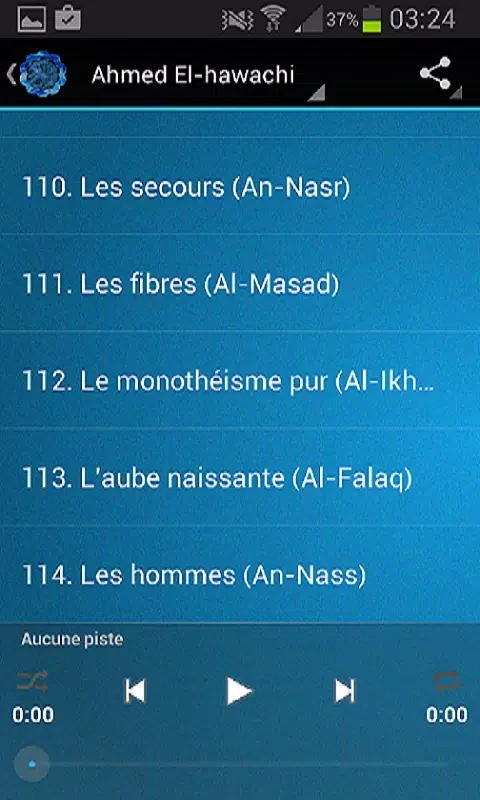
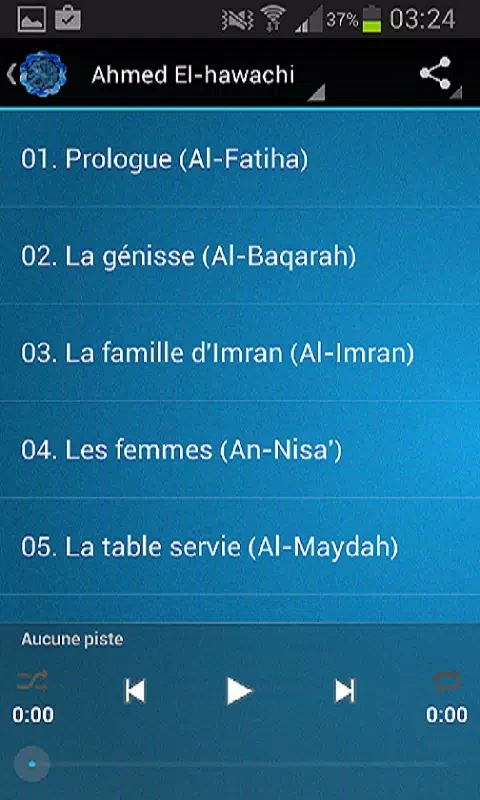
To begin, browse the Surah list and open a chapter. Playback can start from the beginning of a Surah, or you can select an individual ayah when you want to focus on a specific verse. During playback, the app highlights the current verse alongside the Arabic script, connecting the audio with the displayed text. Verse-by-verse skipping and continuous playback for a complete Surah provide different ways to move through a recitation.
Adjust playback for study and repetition
Playback speed can be adjusted in increments, allowing listeners to slow down or speed up the recitation. A repeat function supports working through passages more than once, which can be useful when practicing or memorizing. The app is centered on listening and following the text; it is not presented as a source of in-depth Tajweed instruction. Tajweed markers may also be simplified depending on the selected display mode.
Return to a passage or listen offline
Bookmarks let you save passages for quick access, while the app remembers the last listened position so you can resume a session. Surah audio files can be downloaded for listening without an internet connection. The app also provides a way to remove saved audio files when you want to reclaim storage space. Storage access is relevant when saving audio for offline use.
Reading and using playback controls
Dark and light themes offer two display options, and text scaling follows the system font-size setting. The audio player responds to media buttons on headsets, providing another way to control playback. Together with the chapter list, verse selection, highlighting, and repeat controls, these options support listening while keeping the recited passage visible.
Version history
View all14 Oct 2026 · stable