
WorkDo - All-in-One Work App
BuddyDo IncWorkDo - All-in-One Work App brings messaging, task boards, shared calendars and file access into a unified workspace. Teams can connect conversations with work items, organize progress through boards and maintain shared context across devices.
Screenshots
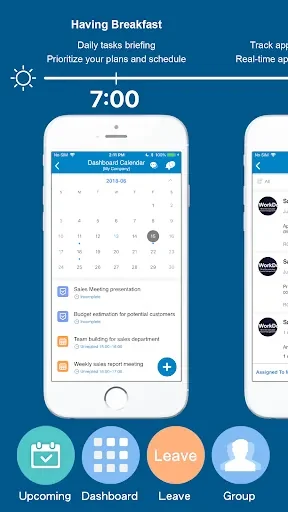
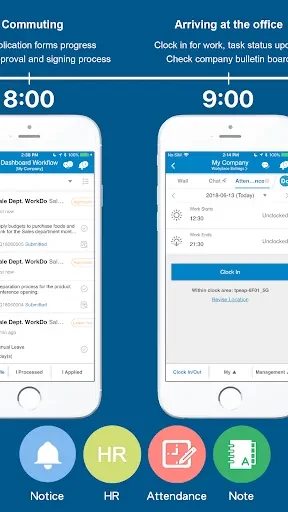
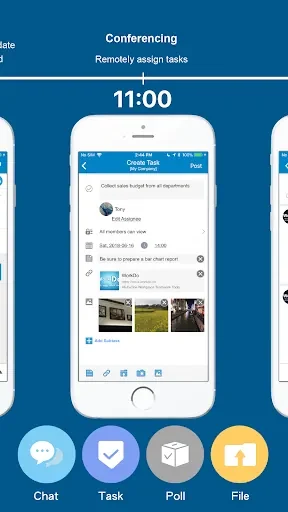
About this app
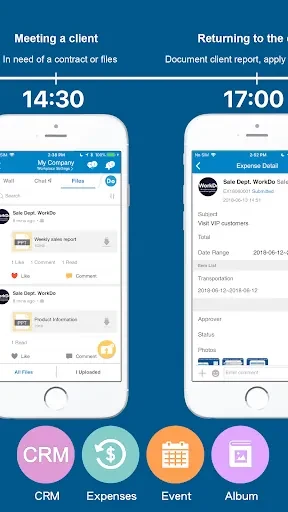
WorkDo - All-in-One Work App brings messaging, task boards, shared calendars and file access together for teams that need discussions, deliverables and schedules in one organized workspace. Its structure connects conversations with the work they describe, helping teams keep decisions, progress and attachments associated with the relevant project.
Keeping decisions attached to work
Messaging threads are searchable and can link directly to tasks or calendar events. This gives a discussion a clear place alongside the work it affects, rather than leaving decisions isolated in a conversation stream. Team members can follow the history of a deliverable from its initial discussion through later updates and completion.
Moving work through visual boards
Kanban-style boards represent workflow stages through columns. Cards can contain priorities, deadlines, subtasks and attachments, while drag-and-drop gestures move them as work progresses. Inline previews provide access to attached material from the card, and inline editors allow titles, due dates and assignees to be changed without leaving the board.
Teams can also use recurring tasks, templates and milestone checklists to break larger pieces of work into smaller steps. Automation rules can advance tasks when defined conditions are met, set reminders or update fields after due-date and status changes. These controls support workflows that range from short sprints to recurring operations.
Coordinating schedules and notifications
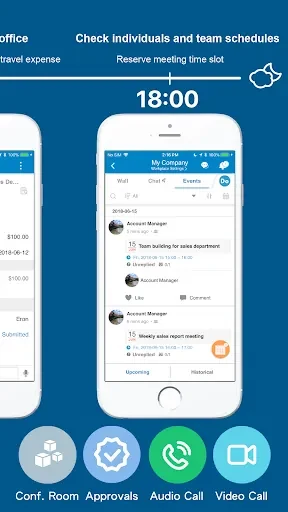
The shared team calendar keeps events alongside projects and conversations, while built-in calendar integrations can bring schedule information into the workspace. Notification controls provide rules for selecting which updates require attention, allowing individuals to adjust the flow of board and message alerts. Concise notification settings can be paired with regular project housekeeping, such as archiving completed work and removing unused channels.
Adapting workspaces to different teams
Project templates can start boards with predefined fields and automations, then be cloned or refined for later use. Custom fields, column layouts and notification filters let users tailor their own views without changing the shared workspace. The organizational structure places workspaces above projects, projects above boards and boards above cards, giving teams a consistent way to arrange work as their use of the app expands.
Working across devices and limited connectivity
The interface uses a persistent left-hand navigation area for workspaces and projects, with primary actions placed within board and message views. Phones and tablets use larger tap targets and swipe gestures, while laptops support keyboard navigation and shortcuts for repetitive actions. Offline access allows tasks, comments and attachments to be reviewed when connectivity is limited. Edits made offline sync when the device reconnects, with sync-status indicators and conflict handling that favors the most recent edits.
Connecting existing tools and managing access
Integrations for calendars, email and popular cloud storage can bring events, messages and files into the shared workspace. This is intended to keep schedules and deliverables together while allowing teams to continue using connected services. Administrators can manage role-based permissions, public-channel controls and audit logs. The source also lists encryption in transit and at rest, single sign-on options and two-factor authentication as controls that can support organizational security policies.
For accessibility, WorkDo - All-in-One Work App provides scalable text sizes, contrast choices and keyboard navigation on larger screens. Together with templates, linked work items and configurable controls, these options support a structured setup in which teams can begin with a small project and refine their shared workspace over time.
Version history
View all14 Oct 2026 · stable