

KAGUYA PLAYER
KAGUYA PLAYER combines a rescue-and-romance premise with tap-based actions and stage selection. Players can choose characters and backgrounds, adjust costumes and sound, or use an automatic mode with a configurable speed.
Screenshots

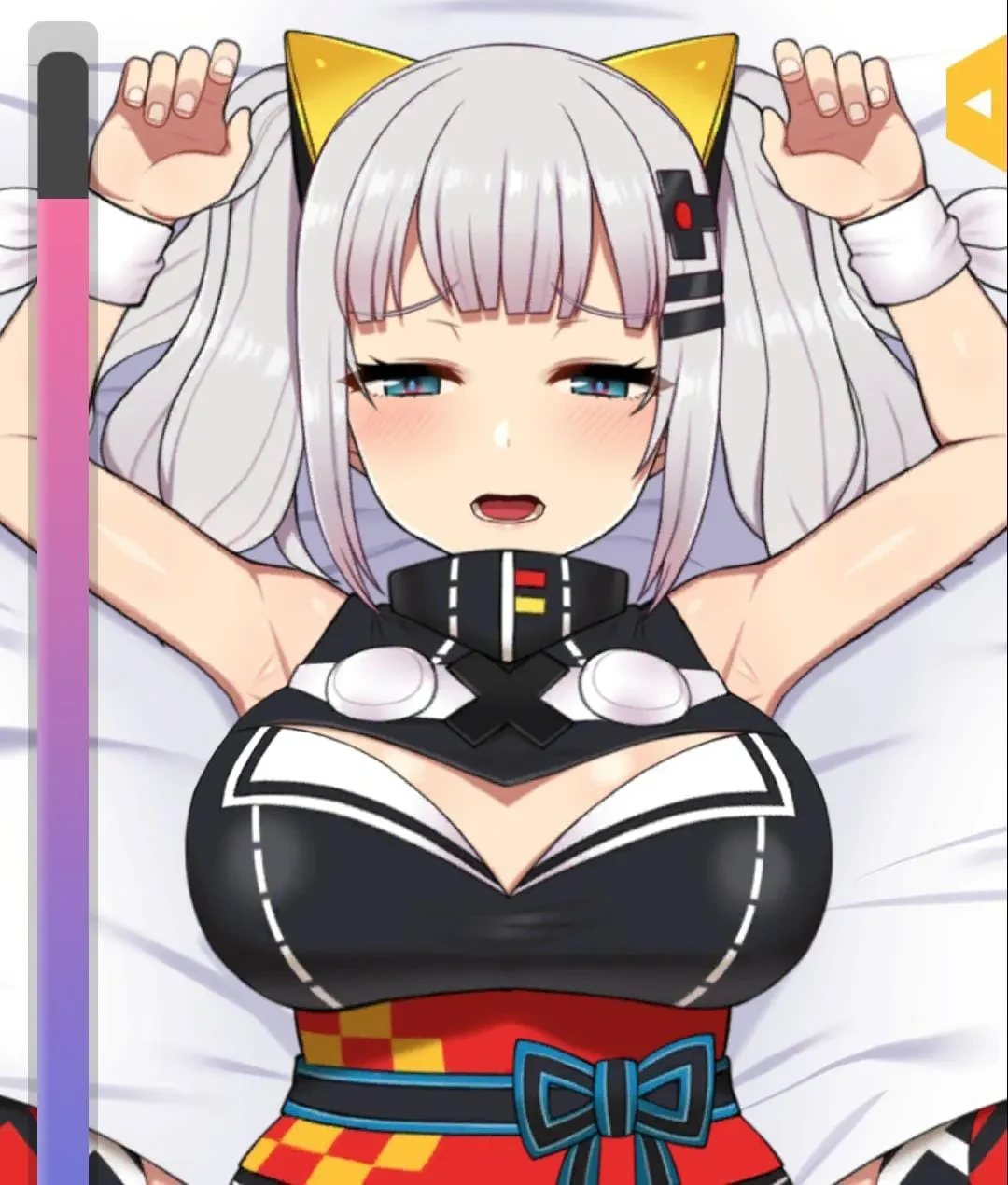

About this app
KAGUYA PLAYER is a character-led game in which the player takes the role of a prince who sets out to rescue Princess Kaguya. Its description also presents a range of stages and interactive actions, alongside choices about which character to date and how to configure the experience.
Tap actions and stage activities
The stated basic control is to tap the screen to perform actions. The game description refers to varied adventures across more than ten stages, with activities that include jumping, flying and swimming. It also mentions obstacles, hidden items and bosses. These details outline the kinds of situations described, but do not specify the exact rules for overcoming each obstacle or defeating a boss.
The rescue story and romantic elements provide a character-focused context for this activity. The description says players can express affection toward Kaguya and choose a character to date. It does not explain how those choices change the stage rules or story outcomes, so they are best understood as separate character and relationship options.
Character and stage selection
The game features three characters: two female characters and one male character, each described as having a distinct appearance. Costumes for the female characters can be changed in settings, and the preferred dating character can be selected. At each stage, the menu allows players to choose a character and a background.
Stage selection is a notable part of the described setup: the source lists more than ten stages and says players can choose a stage from the game. It does not explain how stages differ in their rules, or connect a particular character or background to a specific outcome.
Manual play and automatic mode
Players can perform actions manually or switch to automatic mode, which runs gameplay and story progression. The speed of this mode can be adjusted in settings. These are two documented ways to proceed through the game; the description does not detail which actions the automatic mode handles or how its speed affects individual stages.
Controls, language and sound settings
A UI mirroring option moves the menu and settings from the right side of the screen to the left, and can mirror the game from left to right. Language settings offer Japanese, the stated default, and English. Sound controls separate background music (BGM), sound effects (SE) and voice, allowing each type to be adjusted. Together, these settings cover menu orientation, language and audio, while leaving the described stage and character choices available through the game menus.
Version history
View all24 Feb 2026 · stable