

moz5 Apps
PT. moz5 kemitraanmoz5 Apps brings file management, quick converters, system utilities, and customization controls into one Android workspace. It is designed for users who want a concise dashboard for recurring file and device tasks, with support for batch operations, pinned shortcuts, themes, and contextual controls.
Screenshots


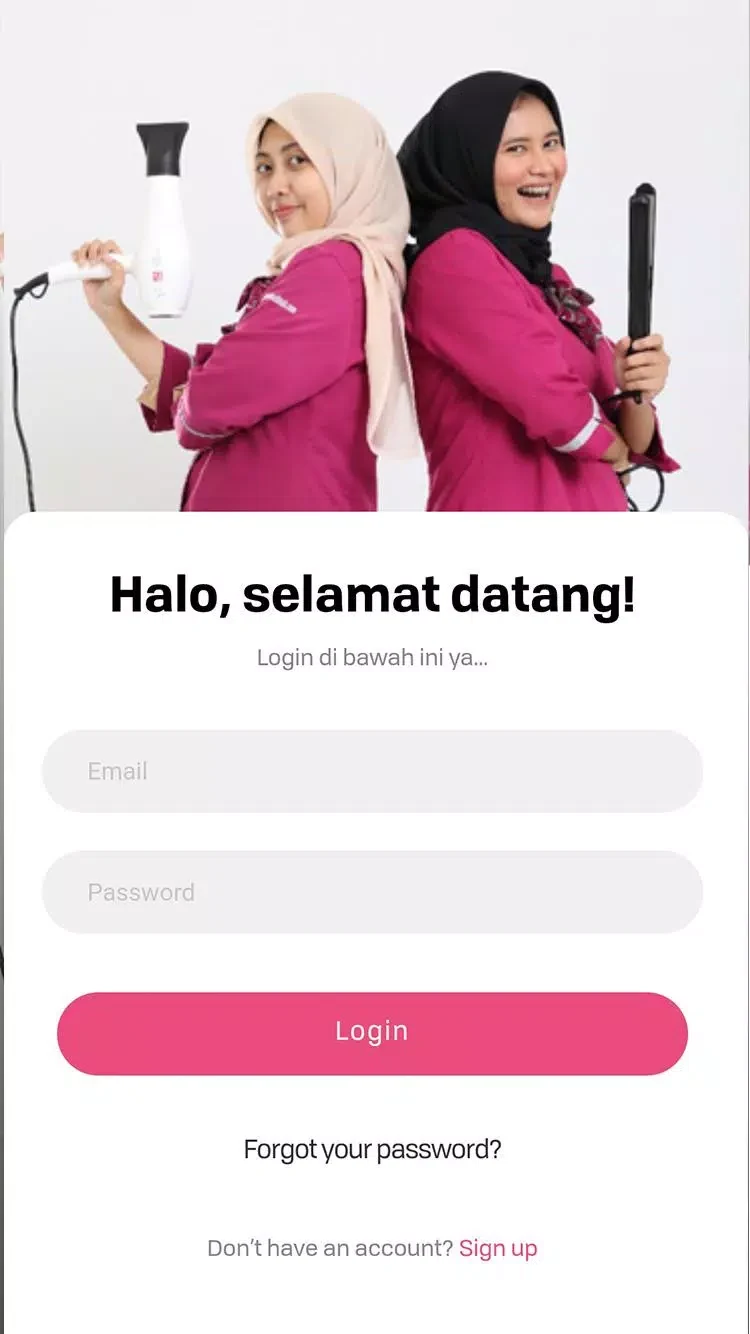
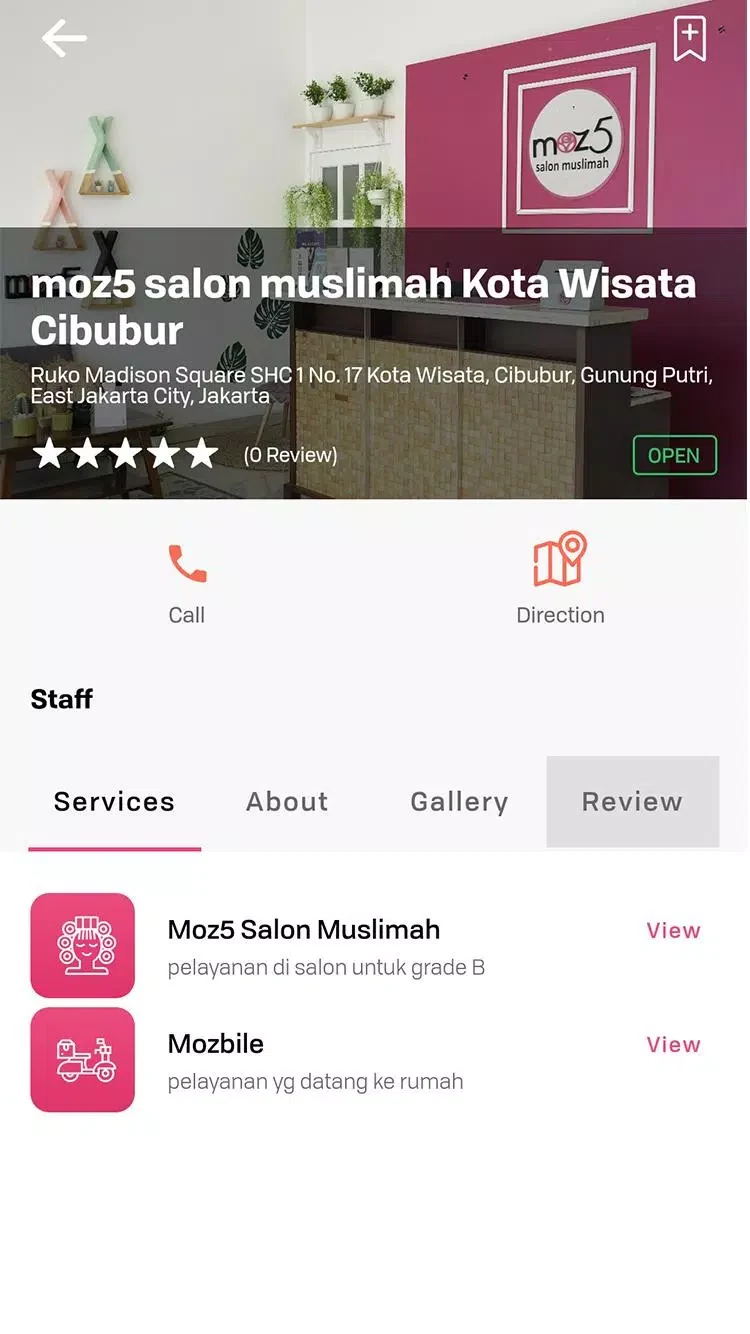

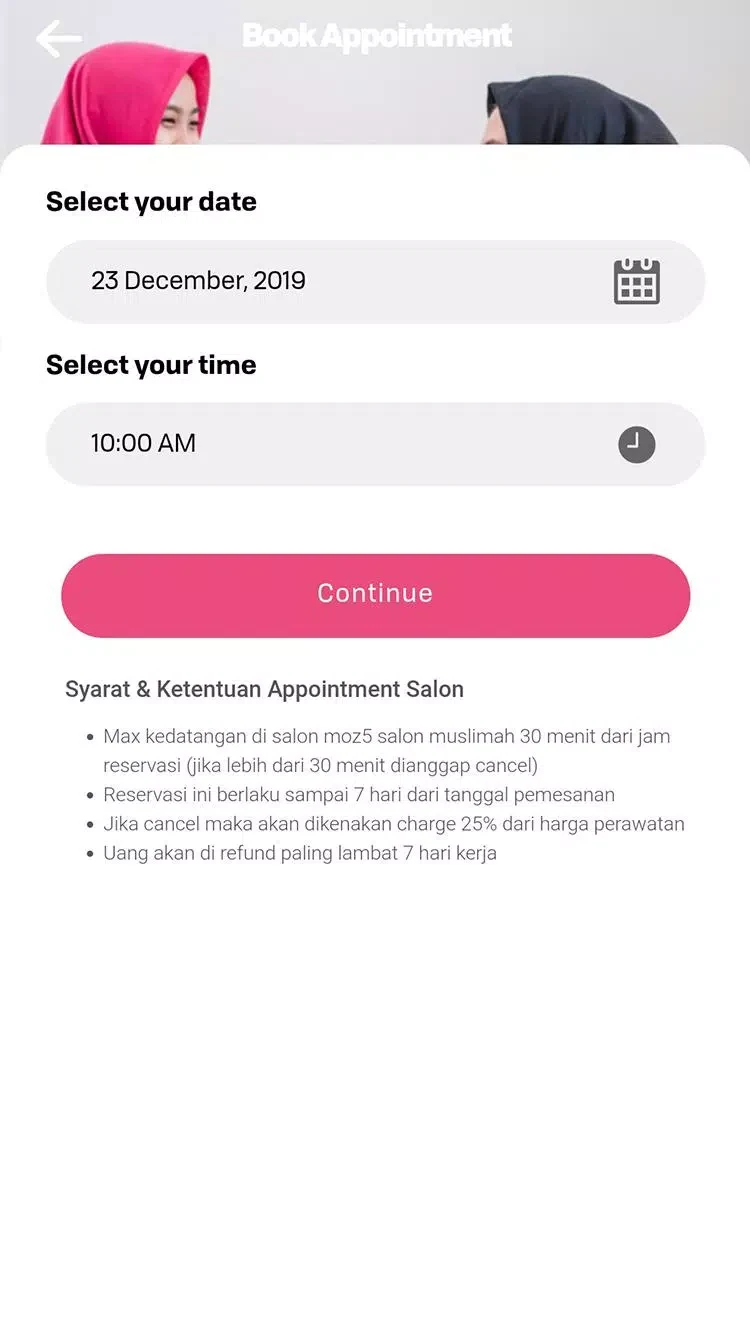
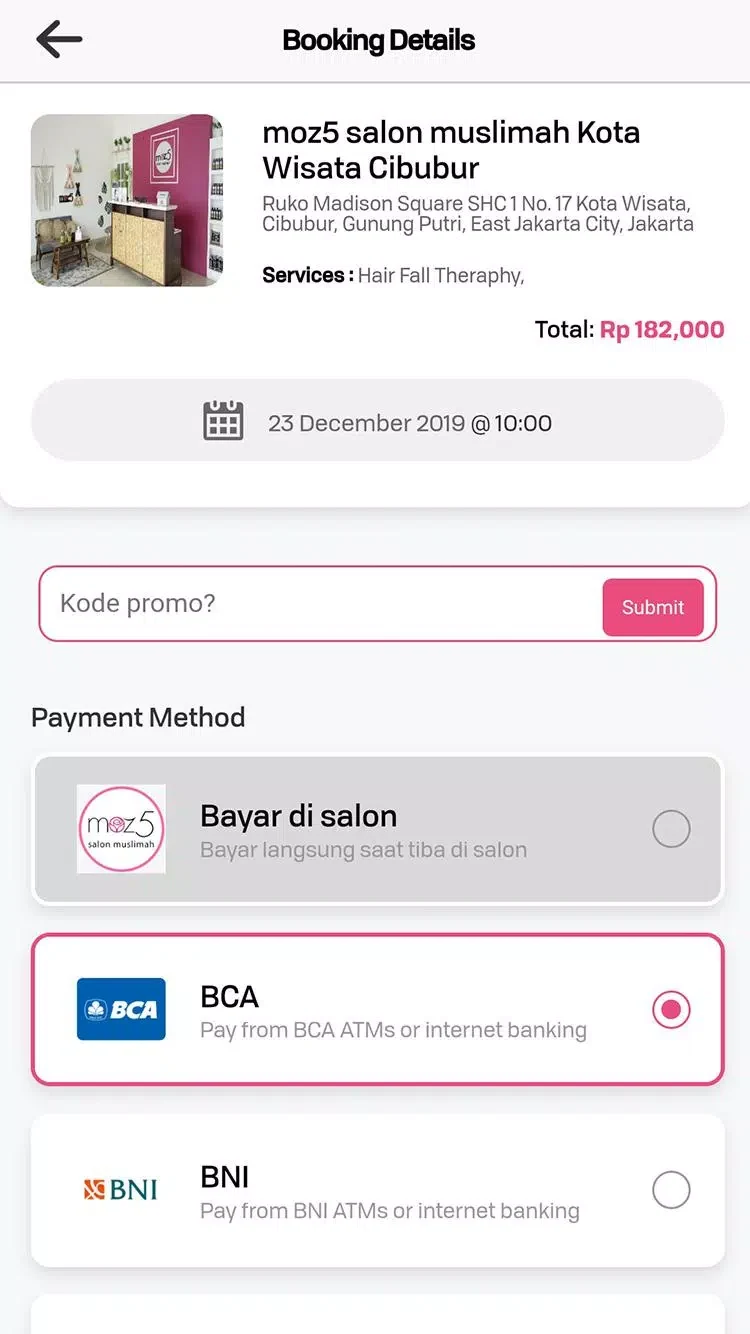
About this app
moz5 Apps is a compact productivity suite for bringing file management, conversion tools, device utilities, and interface customization into one Android workspace. Its launcher-style dashboard is intended for people who prefer accessing common mobile tools from a single organized location.
Which everyday tasks does moz5 Apps support?
The app provides file and storage tools for browsing, sorting, viewing, and performing basic file operations. It also includes converters for common file types and media, which can be used when preparing content for sharing or saving storage space. System utilities cover cache clearing, memory checks, and quick toggles related to battery and device performance.
These functions make moz5 Apps relevant to recurring tasks such as checking files, previewing content, converting images, merging files, moving items, or clearing temporary data. The source describes batch operations for common tasks, so repetitive file handling does not always need to be performed one item at a time.
How are the tools organized?
moz5 Apps presents its main functions through a concise dashboard. Frequently used tools appear near the top, while less common utilities are placed in expandable sections. A file viewer can be opened from the dashboard, and secondary menus provide access to additional options.
The interface uses contextual actions and minimal navigation rather than presenting every utility at once. Quick previews are also available for checking content before an action is completed. This arrangement is suited to users who want file and device controls grouped together instead of spread across several separate utility apps.
Can the dashboard be adjusted?
The app includes controls for rearranging shortcuts and pinning favorite utilities to the top row. Users can choose which tool categories appear on the home dashboard during setup, then adjust the arrangement as their routine changes.
Customization also covers the visual presentation. Theme options can change colors and text size, while the source lists themes, icon packs, and simple layout settings among the available customization modules. The layout adapts to portrait and landscape orientations, and the restrained visual design uses flat icons, readable typography, and clear contrast.
What controls are available for device use?
Advanced settings provide control over background processes and notifications. These options are intended for users who want to balance the app's available functions with battery use. The source also describes memory usage as optimized for running alongside heavier applications, although no specific device performance measurements are provided.
Permission prompts are shown when a function needs access to device storage or media. The supplied description says permissions are requested for individual functions rather than all at once, allowing users to decide when those capabilities are enabled.
Who might find this utility hub useful?
moz5 Apps is aimed at mobile professionals, students, and power users who regularly handle files or need quick access to system tools. It can also serve as a secondary toolkit for temporary tasks or troubleshooting when a full collection of specialized apps is unnecessary.
The app is presented as a general-purpose hub rather than a replacement for dedicated file, conversion, or device-management applications. Users can begin with the tools they use most, pin those shortcuts to the dashboard, and explore the remaining categories when a less frequent task arises.
Version history
View all14 Oct 2026 · stable
Frequently asked questions
What version of moz5 Apps is listed in the source?
The supplied application data lists version 2.3.
Is a minimum Android version specified?
The minimum OS field is not provided in a usable form, so the source does not establish a specific Android version requirement.