
My Solar D
Solar D Corporation Co., Ltd.My Solar D is an Android app for homeowners who want to monitor and manage solar energy systems. It combines live panel output, battery status, consumption trends, production forecasts and system alerts in one place.
Screenshots
About this app
My Solar D is an Android app that helps homeowners monitor and manage solar energy systems. According to its description, it gathers panel output, battery levels and consumption trends into a single dashboard, so users can follow system performance, estimate savings and spot problems without switching between separate tools.
What does My Solar D monitor?
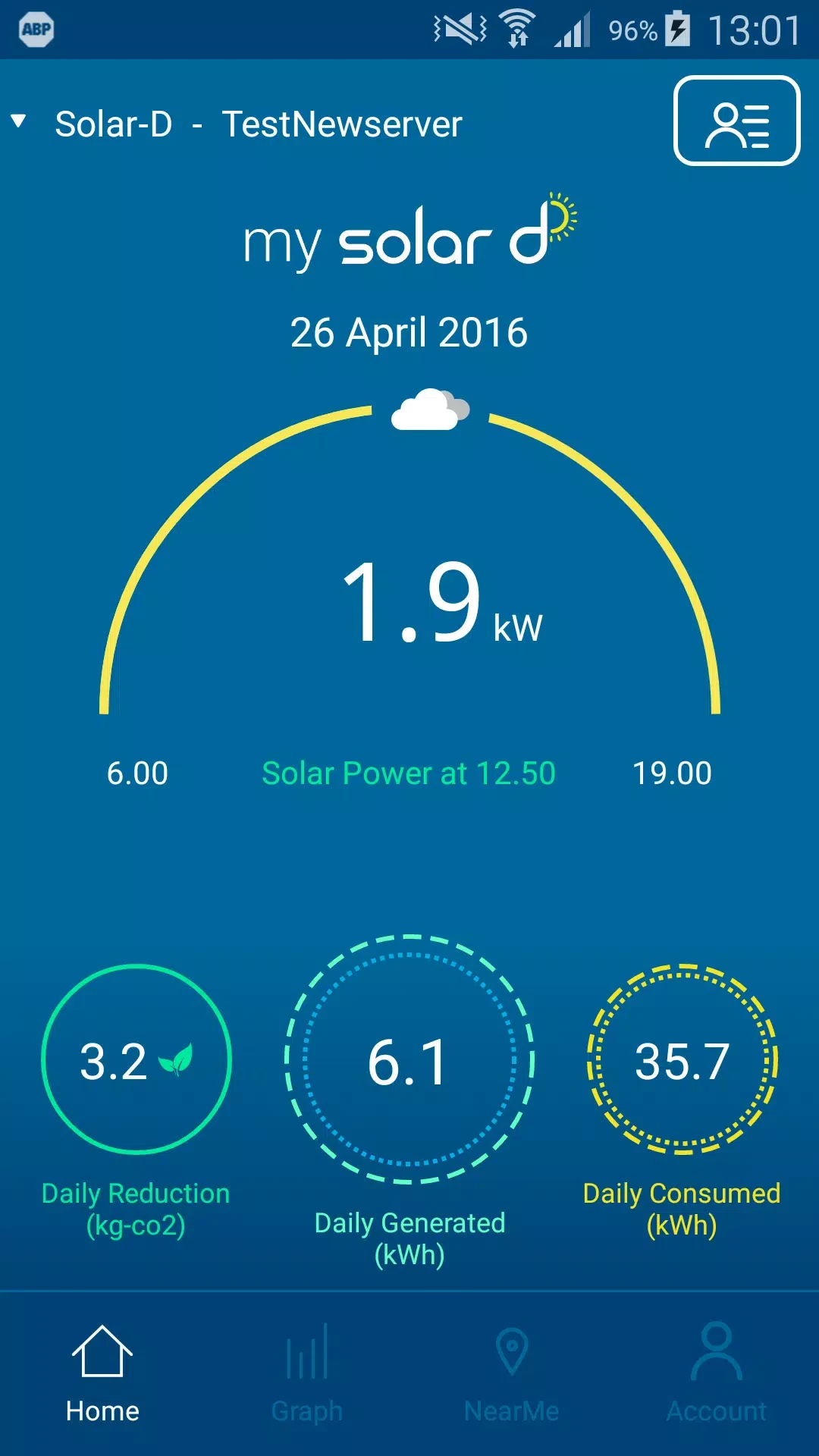
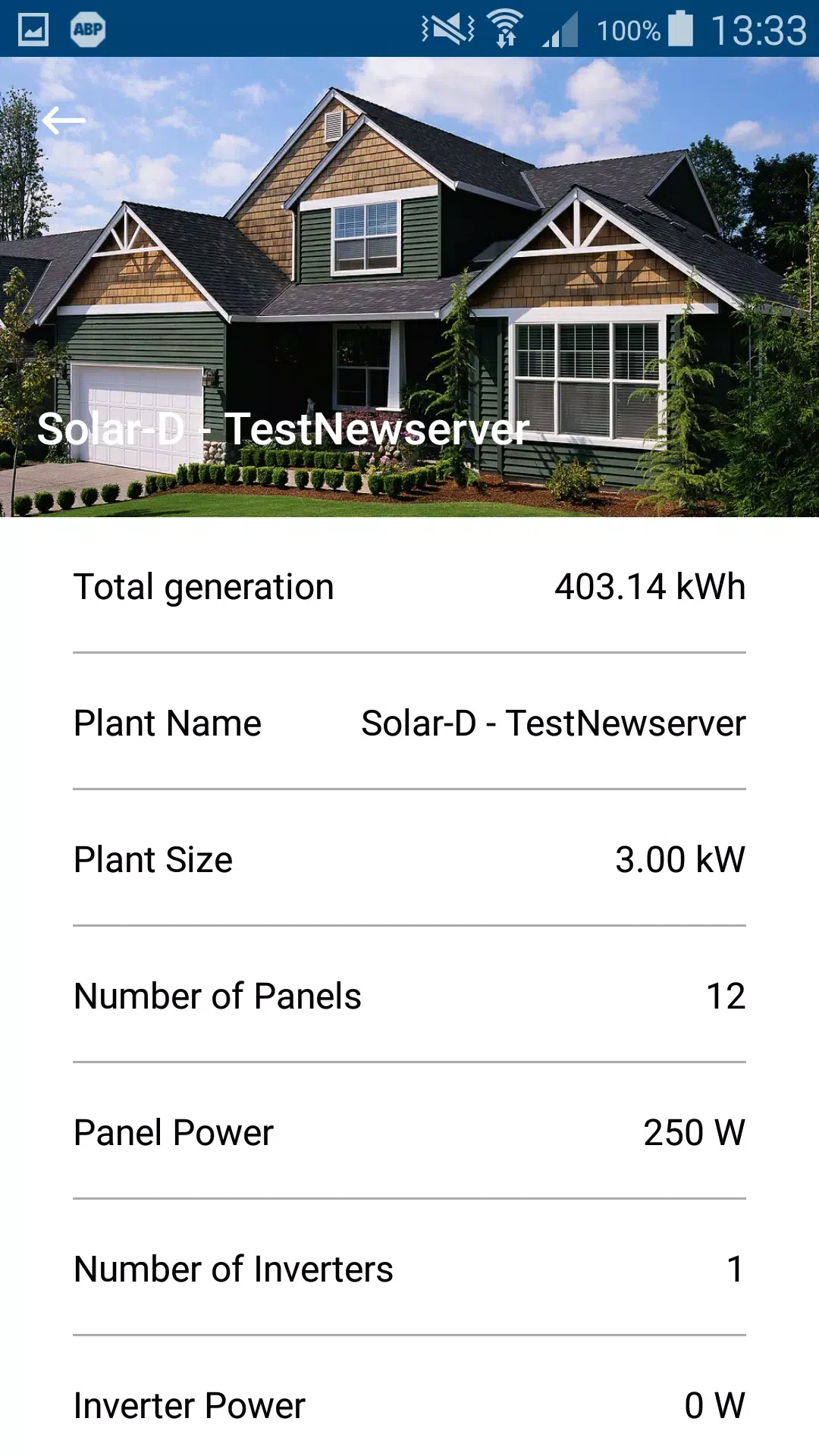
The description lists live readouts for PV arrays, string-level output and inverter status. An energy balance view compares solar production with household consumption, and a visual gauge on the Live screen shows current generation. For battery systems, the app shows state of charge, charge and discharge cycles, and an estimated autonomy time.
How does the app handle history and forecasts?
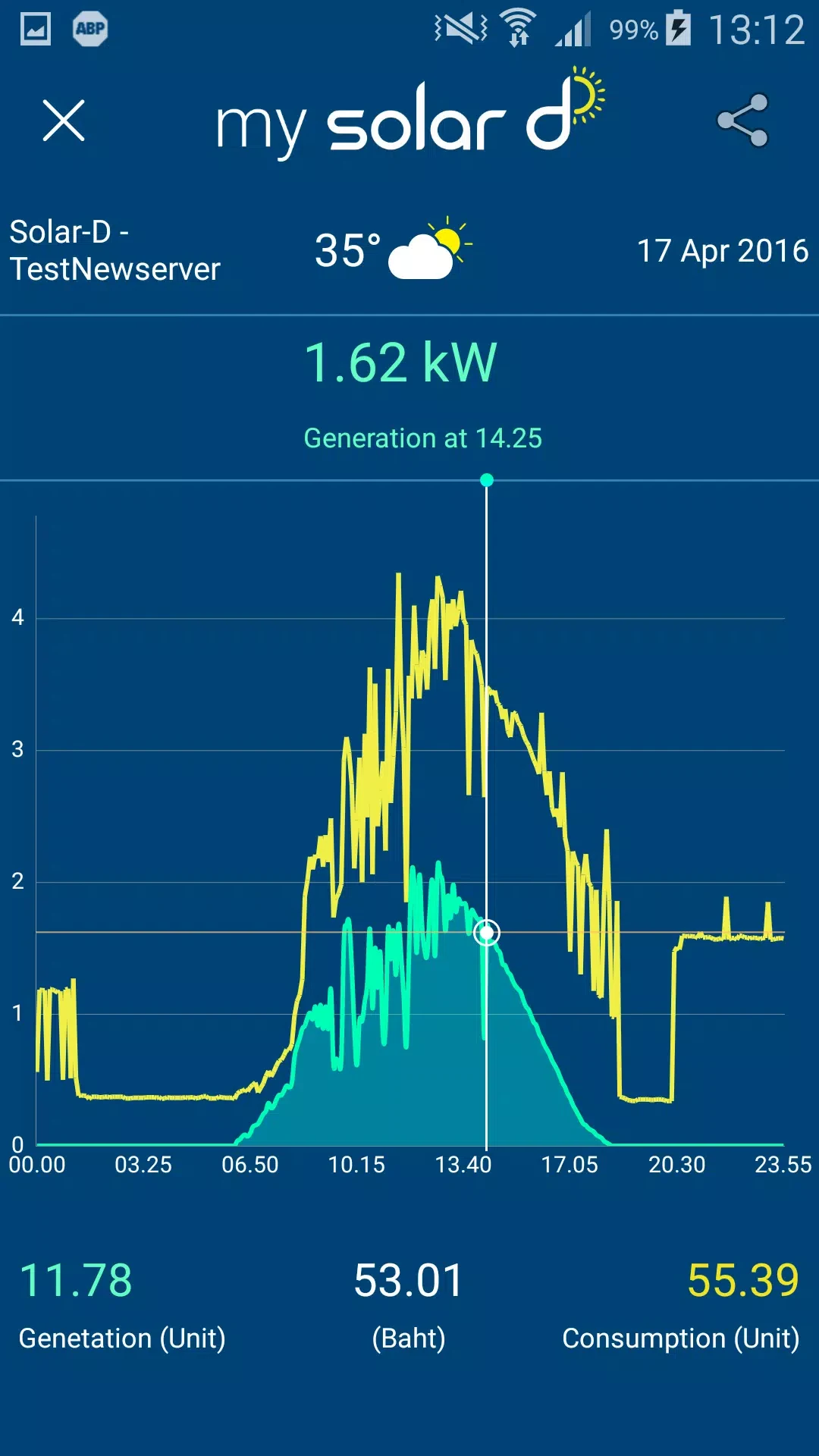
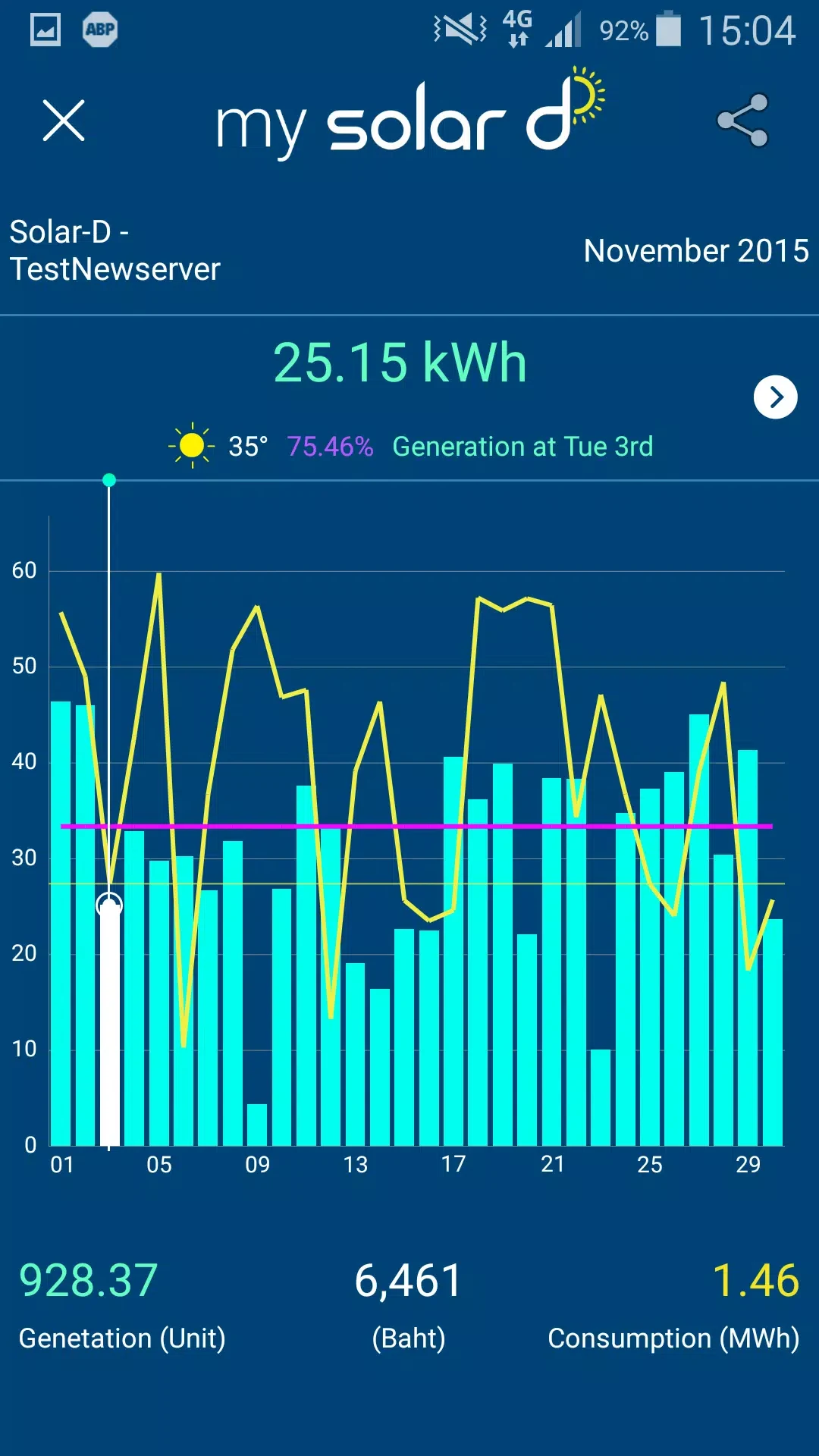
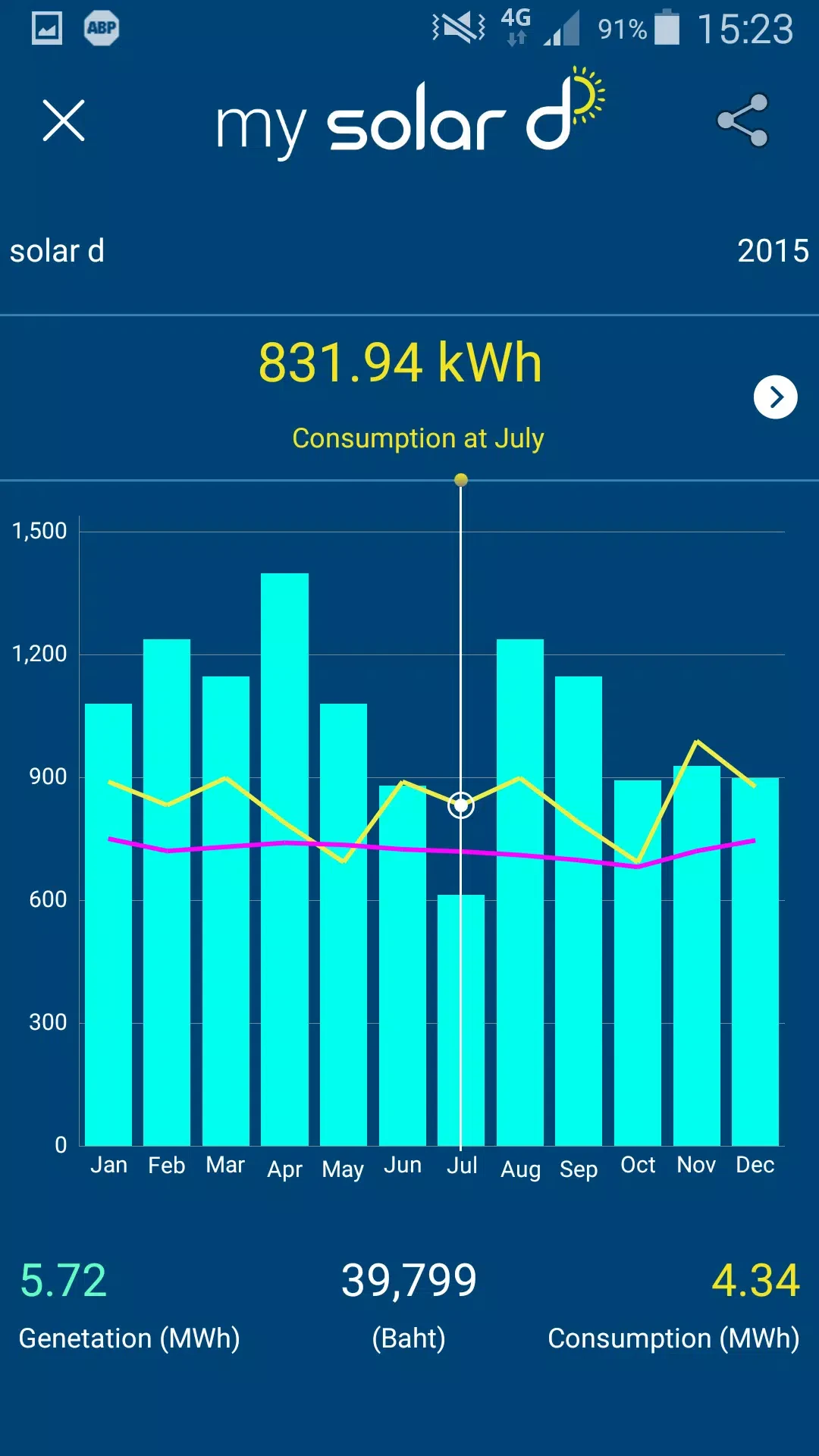
The History section is described as offering day, week, month and year views, with CSV summaries that can be exported. Its charts are interactive and respond to pinch and drag gestures, which the description presents as a way to compare different timeframes. Forecasting combines short-term, weather-based production estimates with longer-term trend projections, so users can compare expected sunny-day output with cloudy conditions.
How does it connect to a solar system?
The description says My Solar D connects to a range of smart inverters, battery systems and monitoring gateways through Wi-Fi or cloud integrations. Incoming data is normalized so that the app can show consistent metrics across different brands. It also states that multiple installations can be paired, which the description gives as an option for a home system alongside a second property or an off-grid site. When a local gateway is available, the app reads data locally; when it is offline, cloud backups are said to keep historical trends and alerts available.
How is the interface organized?
Navigation is built around three main screens: Live, History and Settings. Key metrics appear as tiles, and users can pin their most important widgets to a custom dashboard. The description notes large numerals for power readouts, percentage displays for battery levels, color-coded charging and discharging indicators, and simple icons for system components.
What setup does the source describe?
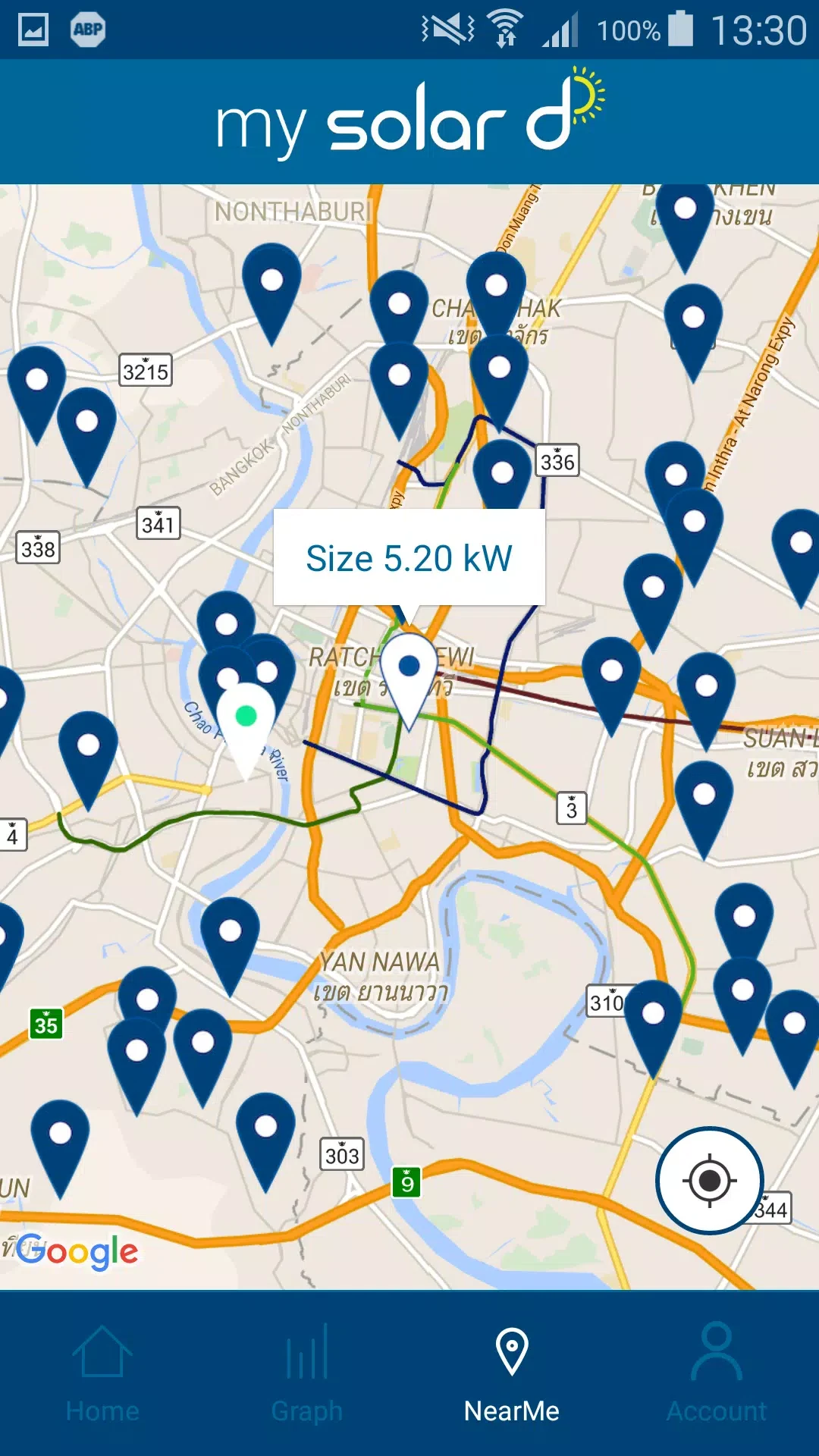
Setup involves downloading the app, creating an account and following a guided device pairing process. The description says the onboarding wizard checks firmware compatibility and may suggest updates or configuration tips. For users with several systems, account-level organization allows sites to be added, named and given location-specific settings. The description also recommends running a full systems scan during setup so that all inverters and meters are detected.
Who might use it, and for what?
The description mentions two main groups. Homeowners may use the app to schedule high-draw appliances during production peaks or to limit charging when tariffs are high. Small installers may use it during commissioning and to hand over ongoing monitoring to clients. Suggested monitoring tasks include tracking seasonal production differences, watching for gradual performance drops that may point to soiling or shading, and reviewing battery cycles over time.
What security and support features are mentioned?
The description states that communications are encrypted and that account access includes optional multi-factor authentication. Users can set how long detailed metrics are kept, either locally or in the cloud. Support is described as in-app help, a knowledge base and a reporting tool for submitting diagnostics. Push notifications and email alerts can be configured for critical issues. These are presented as descriptions of the app's stated features, and the source does not provide independent verification of them.
Version history
View all14 Oct 2026 · stable
Frequently asked questions
Which Android version does My Solar D require?
The supplied minimum operating system field does not contain a usable Android version number, so the required version is not specified in the source. The description only says that minimum requirements are modest and that most modern Android devices should handle the interface well.
Can My Solar D send alerts about inverter faults?
The description lists alerts for underperformance, inverter faults and connection drops. It also says that notifications can be set for low battery thresholds and that push notifications and email alerts can be configured.