
myJersey
HARDGRND Inc.myJersey is a compact design editor built for football fans, content creators, and social account managers who want to craft digital jerseys, profile pictures, and high-resolution phone wallpapers. Featuring official national team templates, layered editing, and touch-optimised controls, the app lets you customize colors, add player names and numbers, and apply fabric-like patterns. With non-destructive editing, project history, and export presets, you can quickly build and refine polished fan visuals for social networks and mobile screens.
Screenshots
About this app
Design digital football jerseys and profile graphics
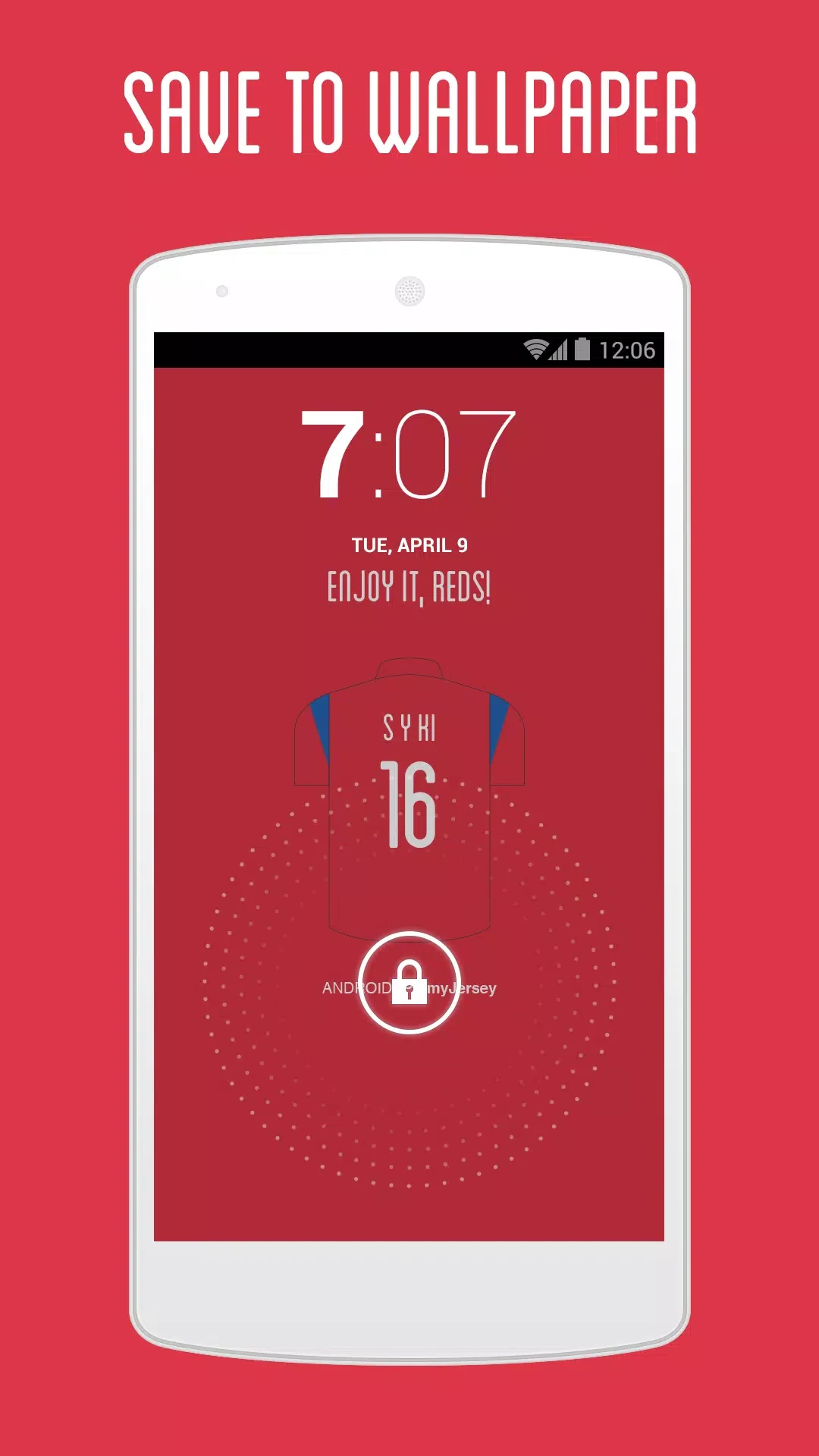
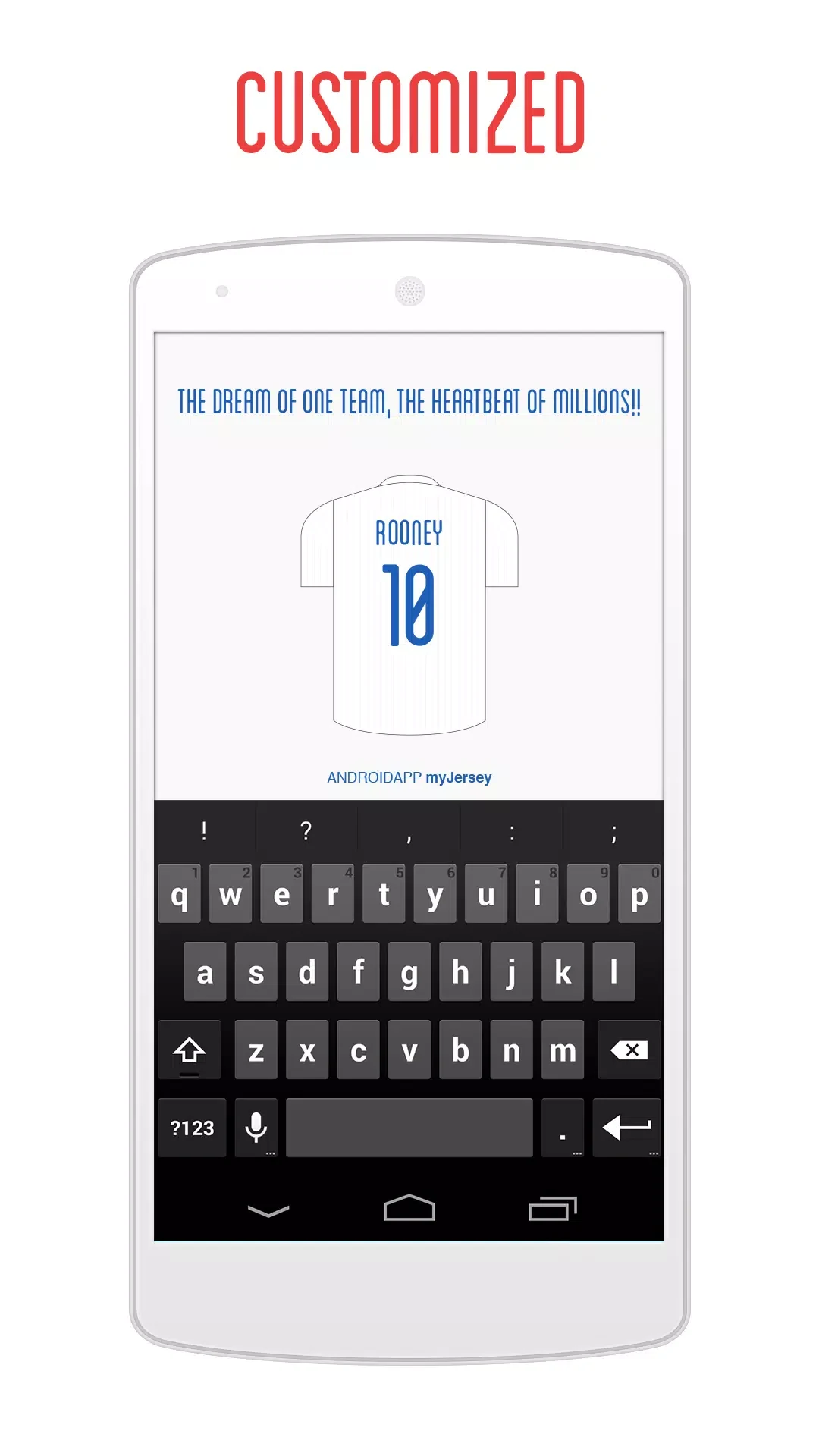
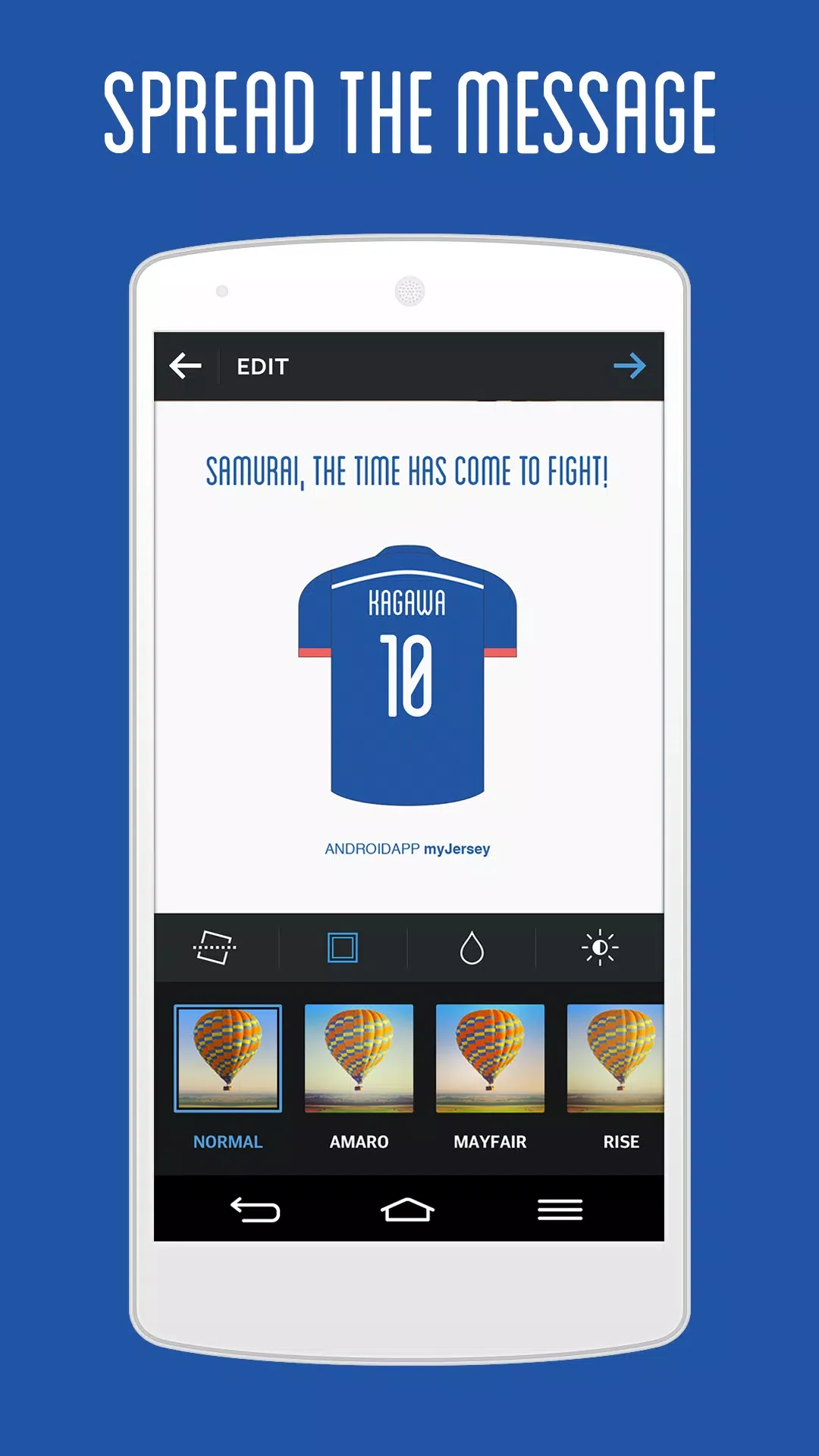
myJersey is a compact design editor that helps football fans create digital jerseys, profile pictures, and high-resolution phone wallpapers. The application places official national team templates and clear customization controls at the front so you can build polished visuals quickly, whether you want a simple match-day graphic or a detailed kit concept for a fan account.
Layered editing and touch controls
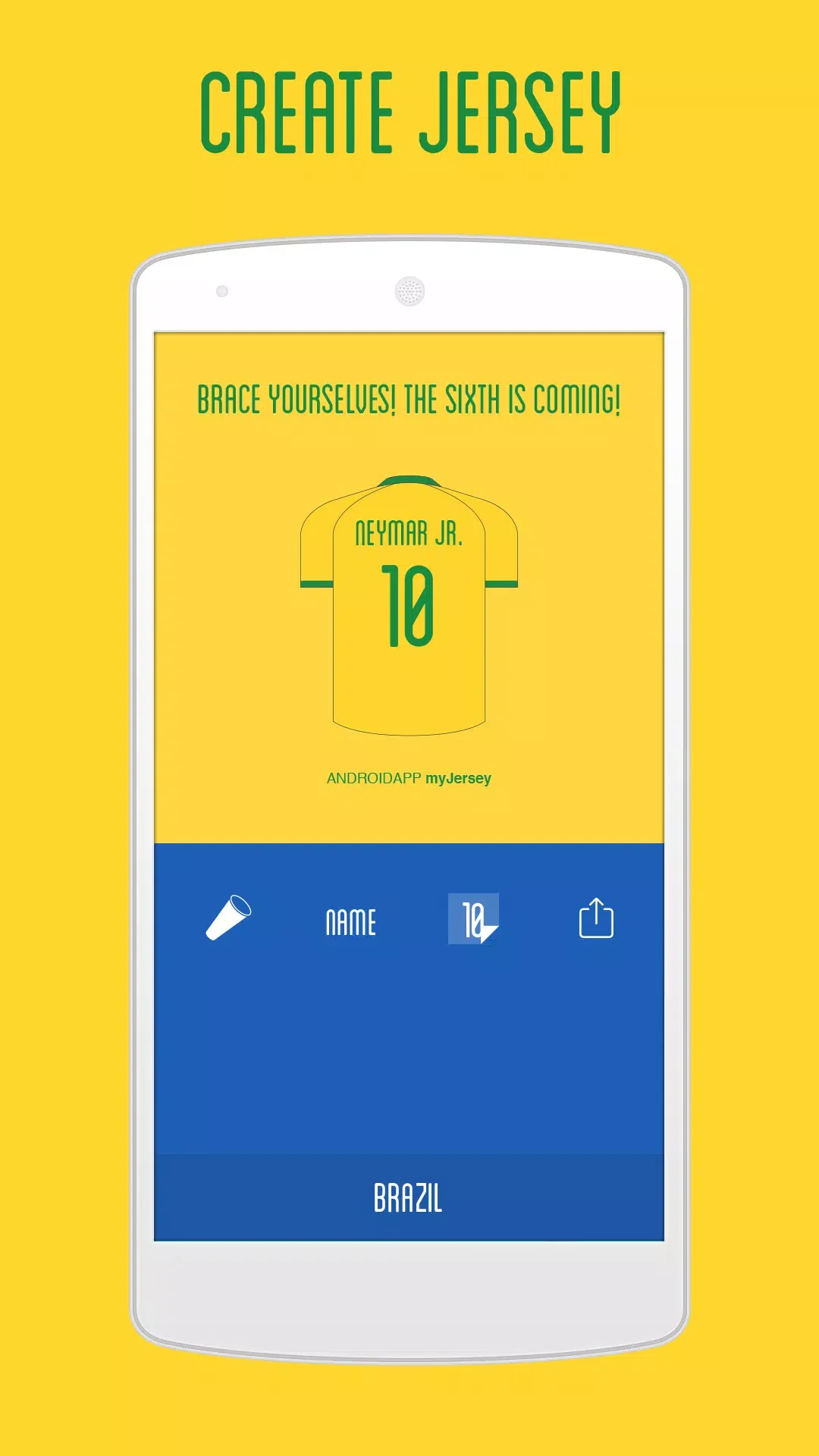
The app works like a focused visual editor rather than a full illustration suite, allowing you to assemble a shirt mock-up from layered elements and refine each piece with straightforward gestures. Tap to select components, drag to move emblems or sponsor shapes, pinch to scale badges, and use on-screen sliders to change color saturation, brightness, and contrast. Text fields let you add player names and numbers while alignment guides and snap-to-grid keep typography and graphics neatly arranged.
Optimised toolsets and export presets
Controls are optimised for touch screens with a contextual toolbar that surfaces the most relevant tools, while quick gestures speed common tasks such as duplicating an element or rotating an emblem. Tooltips and in-app prompts explain how layers, opacity, and text controls interact. Export presets reduce friction when preparing assets for social networks or phone backgrounds, producing consistent results without manual resizing or cropping.
Template stages and project management
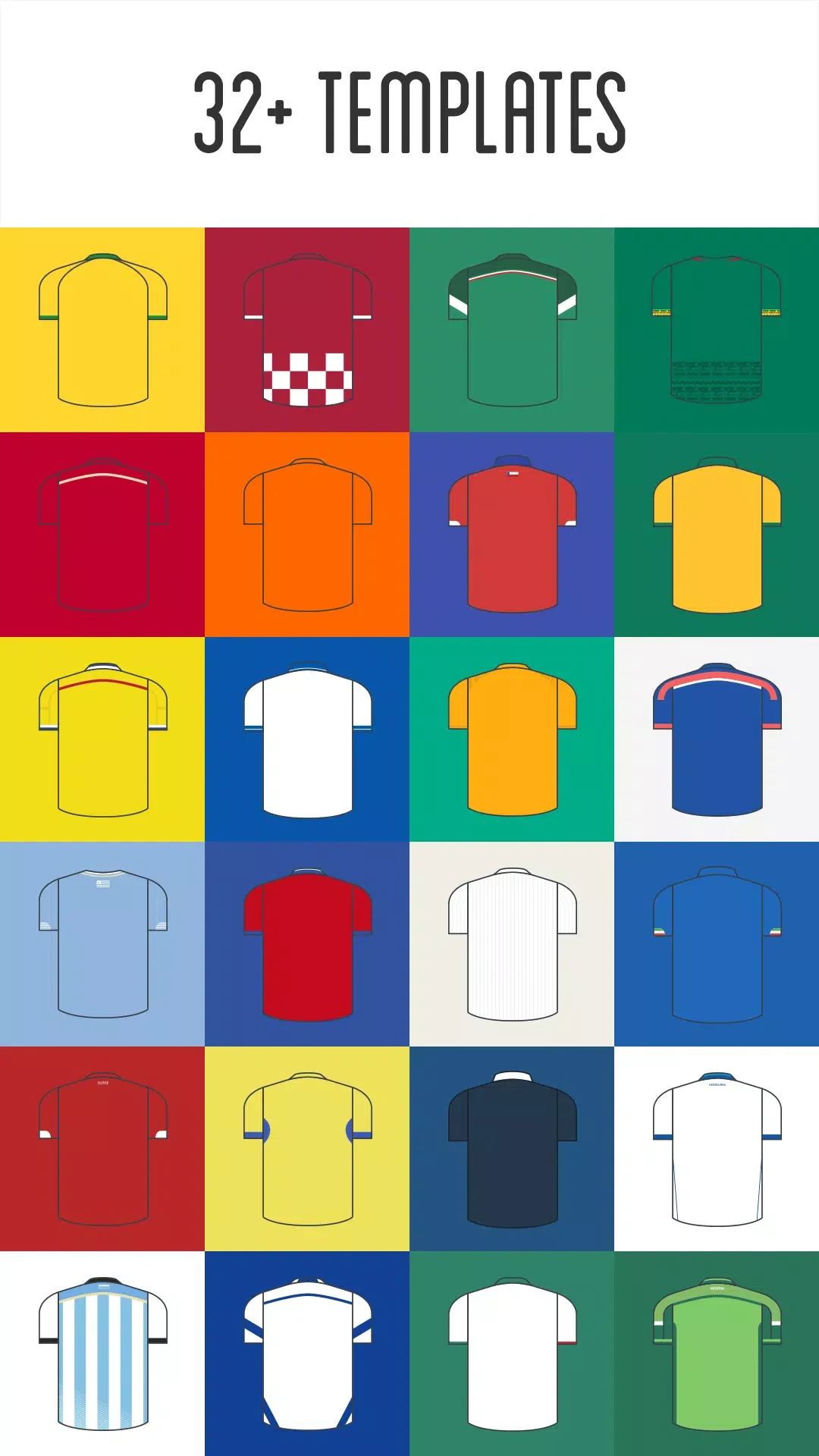
Creative progression is organised through project stages and template complexity rather than game levels. Templates are grouped into basic, intermediate, and detailed tiers so beginners can start with a simple shirt while experienced users choose kits with collars, sleeve accents, and sponsor panels. A local project history lets you revert to earlier drafts, duplicate projects to create variations, and maintain an organised library of finished images.
Customization and visual style
The visual approach mixes photographic shirt mock-ups with flat vector badges and numbers to keep exports crisp on modern displays. Personalization focuses on colors, emblems, typography, and subtle patterns such as swapped emblems, adjusted base hues, curated typefaces, and fabric-like badge overlays. Color choices remain constrained to respect each national team's identity while offering meaningful variation for visually coherent designs.
Creative iterations and user accessibility
Replay value stems from iterative design where you can revisit teams to create alternate kits, retro-style concepts, tournament-day wallpapers, or seasonal themes. The interface features readable labels, large touch targets, a predictable layout for one-handed use, high-contrast UI elements, and clear iconography to support accessibility needs.
Version history
View all14 Oct 2026 · stable
Frequently asked questions
Do I need an active internet connection to use myJersey?
Most editing features work offline so you can create and export assets without an internet connection. Connectivity is only required when sharing to social networks or downloading optional asset packs.
What types of templates are available in the editor?
The app includes official national team templates grouped by complexity into basic, intermediate, and detailed tiers, featuring elements like collars, sleeve accents, and sponsor panels.
Can I undo mistakes or manage multiple versions of a project?
Yes, non-destructive editing allows changes to be undone, and a local project history lets you revert to earlier drafts, duplicate projects to create variations, and maintain an organised library.