

Neko VPN Super Speed Proxy
IBXperienceNeko VPN Super Speed Proxy is an Android VPN app described as providing access to servers in multiple countries, encrypted connections, and a kill switch. Its stated use cases include browsing, streaming, downloading files, and online gaming.
Screenshots
About this app
Neko VPN Super Speed Proxy is an Android VPN app for connecting to servers in different countries while browsing, streaming, downloading files, or gaming online. Its description highlights encryption, a kill switch, and an interface intended to be accessible to people new to VPN apps.
What can you use Neko VPN Super Speed Proxy for?
The app is presented for general internet use, including web browsing, video streaming, file downloads, and online games. The description promotes fast and stable connections for these activities, but does not provide measured speeds or performance results. It also does not specify that every connection will be uninterrupted or reduce lag in every game.
Can you connect through servers in different countries?
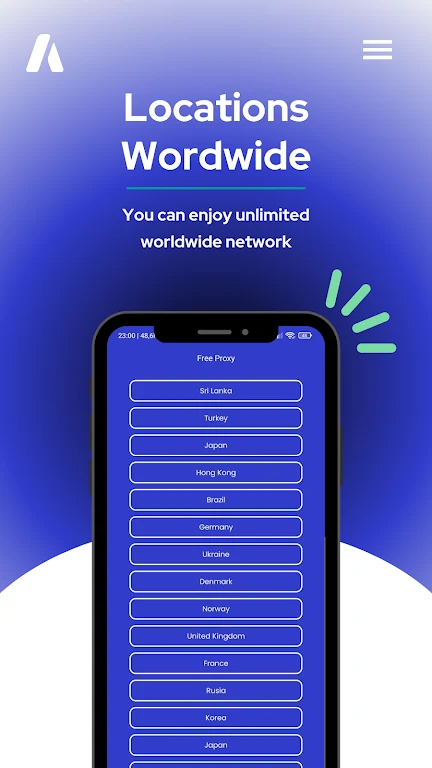
Neko VPN is described as offering servers in multiple countries. Its guidance says to connect through a region where desired streaming content is available, or choose a geographically closer server when speed is the priority. These are suggested uses of the server locations, not a guarantee that a particular service or website will be accessible. The source does not identify specific countries or explain how many servers are available.
What security features are described?
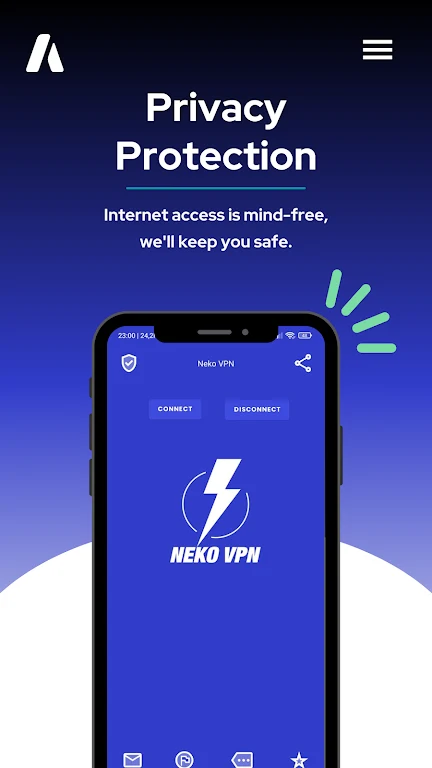
The app description says it uses encryption to protect personal data and identifies a kill switch as a feature. It recommends enabling the kill switch to help protect activity if the VPN connection drops unexpectedly. No encryption method or further technical security details are supplied, so the description alone does not establish a particular level of protection.
Is the app intended for people new to VPNs?
The source describes the interface as lightweight and user-friendly, and says it is designed to be approachable for users who are new to VPNs. It does not provide details about particular settings, connection controls, or setup steps. Its stated anti-blocking feature is intended to help with website access, but the description does not establish that all blocked sites can be reached.
What should you consider when choosing a server?
The provided guidance distinguishes between two priorities: choosing a server in the region associated with the content you want to stream, and choosing one geographically close to you when aiming for lower latency. It also suggests a nearby server for gaming or large downloads. These are general recommendations from the app description; actual connection speed and access can vary, and no specific server performance information is provided.
Version history
View all19 Sep 2024 · stable