
Voice Studio
Voice Studio lets you change recorded or imported audio with voice effects, turn speech into text, and create spoken audio from typed words. It also includes prank sounds and options for sharing creations.
Screenshots
About this app
Overview
Voice Studio brings several ways to work with sound into one Android app. You can record your voice or choose an existing audio file, then apply effects that make it sound like a robot, alien, animal, or celebrity-style character. The app also handles both directions of voice and text conversion: dictate notes with speech to text, or type a message and turn it into spoken audio with an effect. Prank sounds offer another option for lighthearted moments, while sharing lets you send finished creations to friends or post them on social media.
What You Can Do
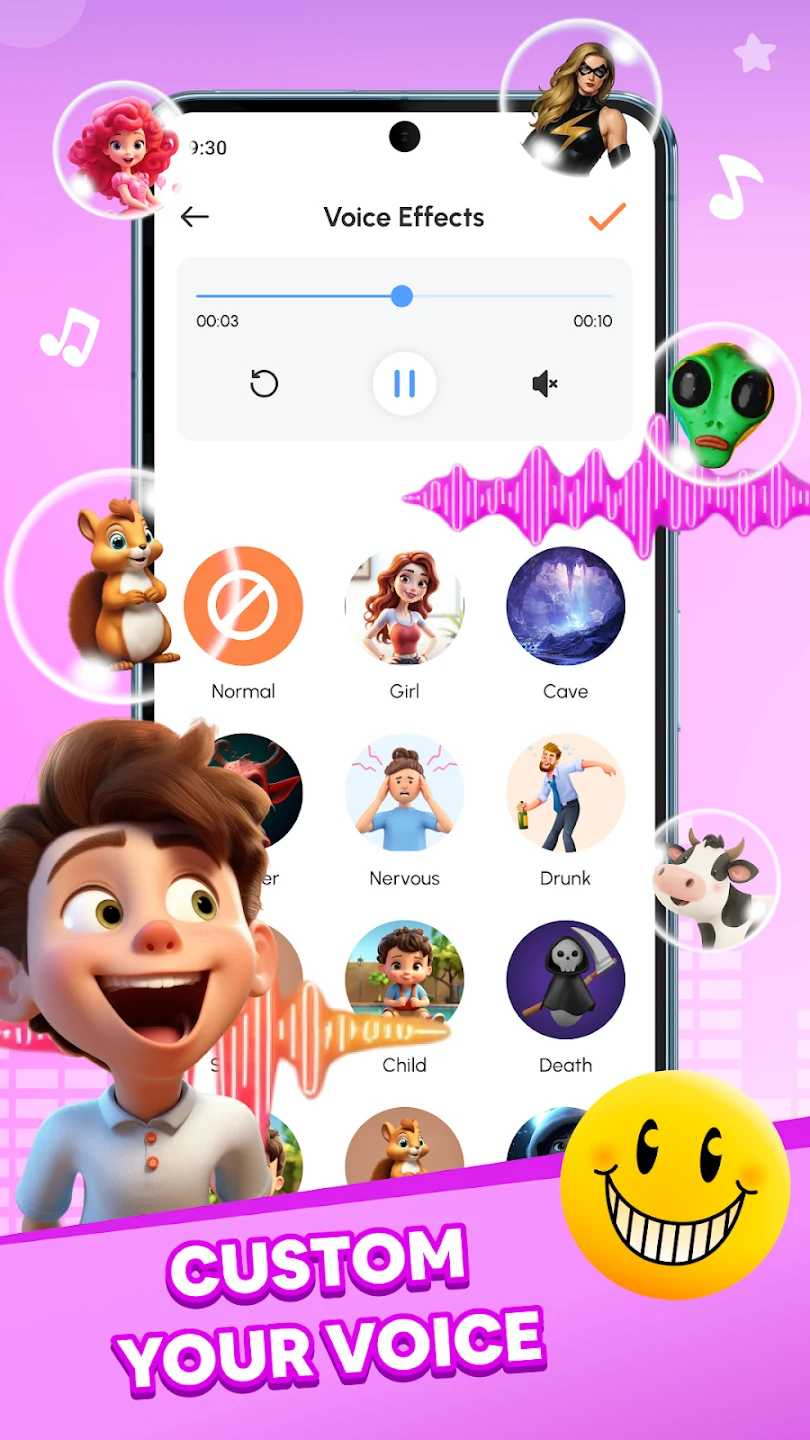
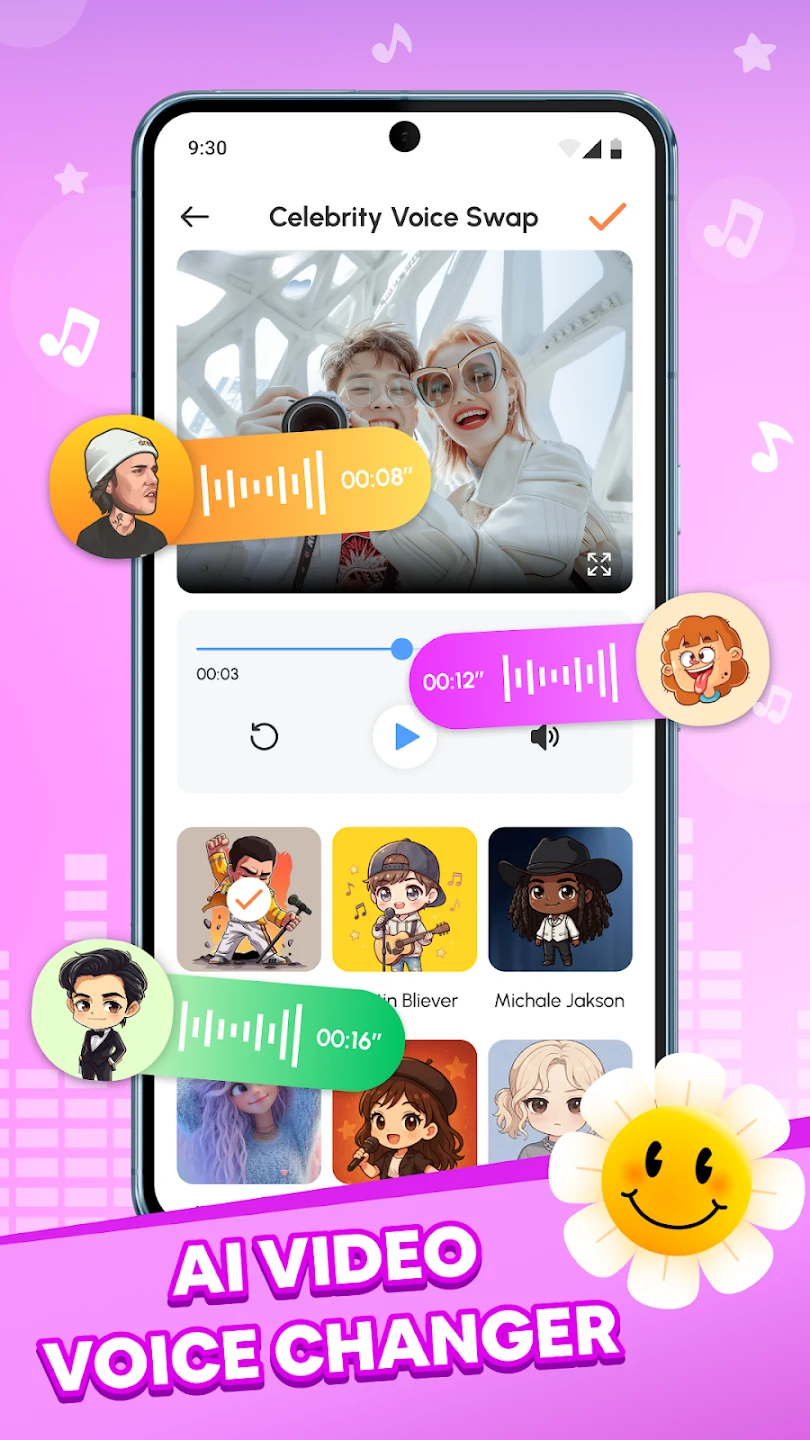
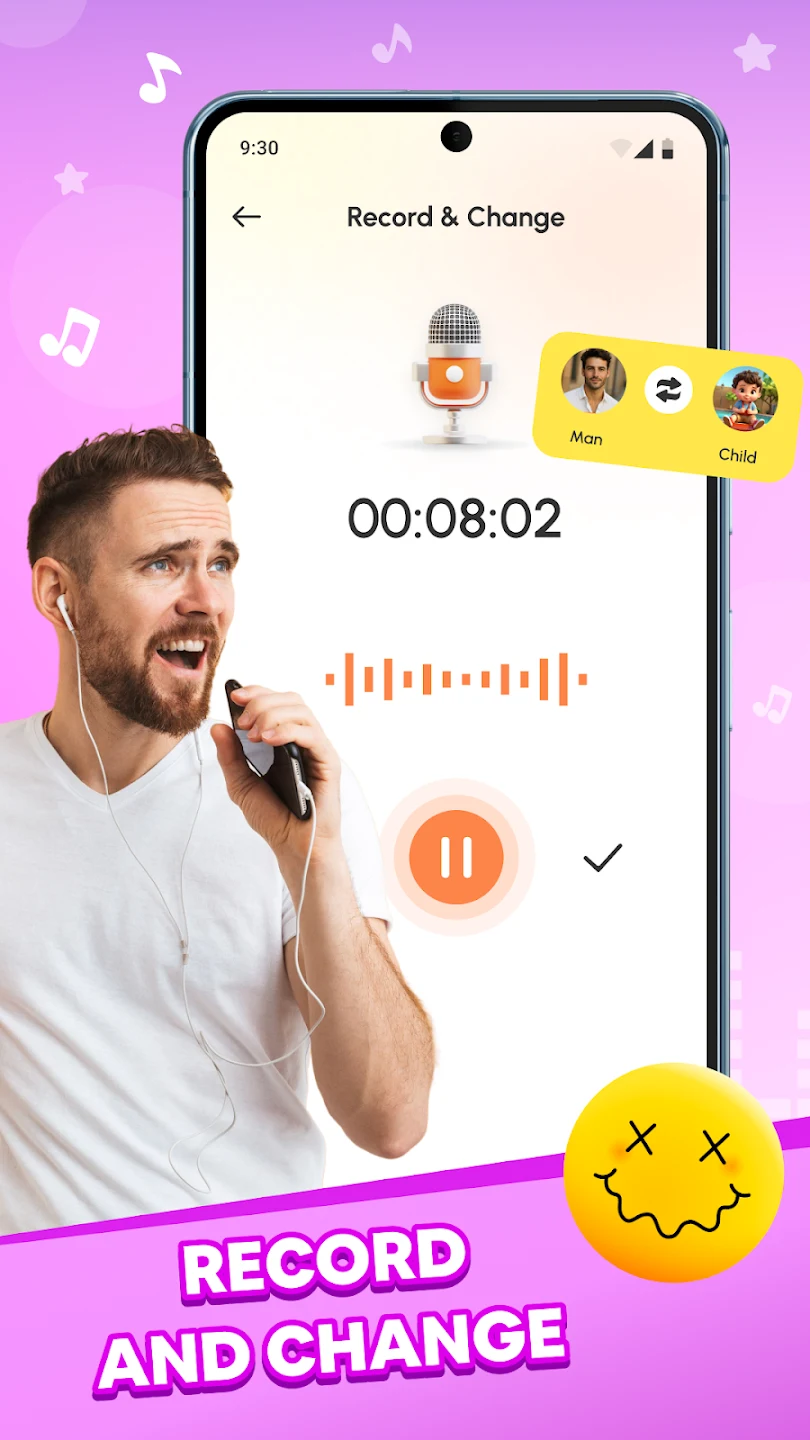
⭐ Record your voice and apply a voice-changing effect. The available styles include mechanical, alien, animal, and celebrity-style sounds.
⭐ Select an audio file from your gallery and add effects to a recording you already have, rather than starting with a new one.
⭐ Dictate thoughts, notes, or conversations using speech to text when you want written words without typing them.
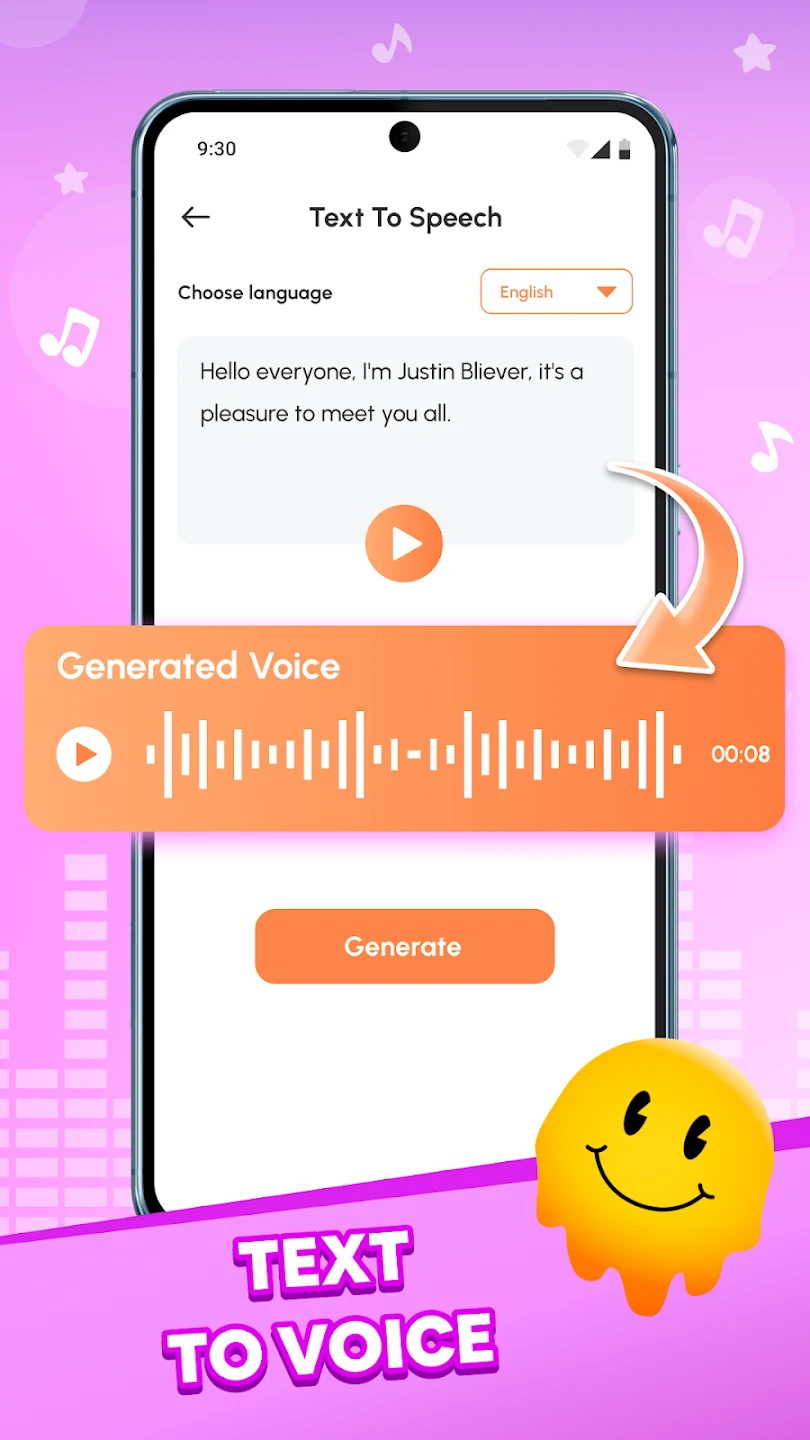
⭐ Enter text to generate spoken audio, then apply a voice effect. This can be useful for a message, voiceover, or social media post.
⭐ Play built-in prank sounds, including whoopee cushion effects and unexpected noises, for a joke with friends or family.
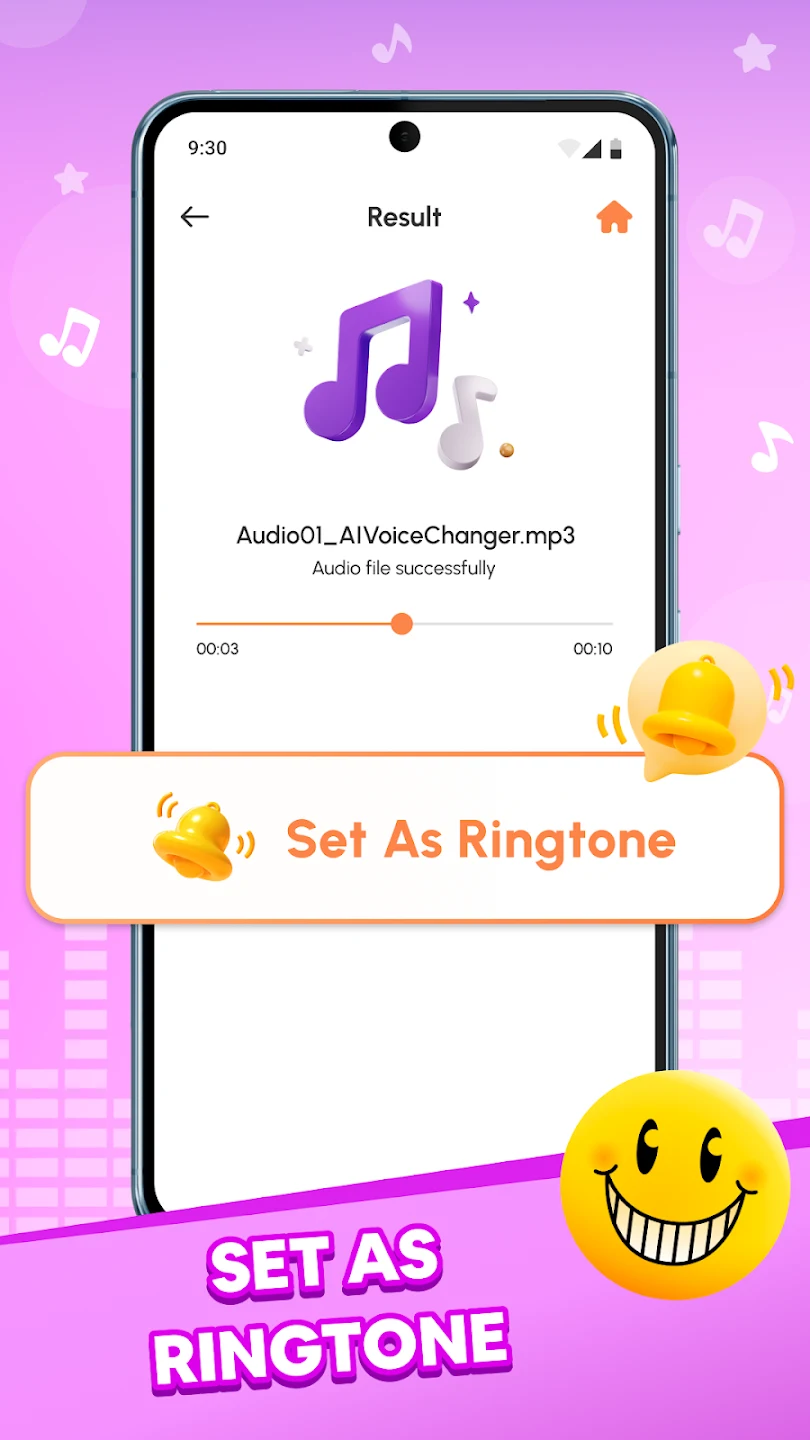
⭐ Share audio creations with friends or on social media after making them.
Using the App
A practical starting point is a short recording or an audio file from your gallery. Try a few effects on that clip to find a sound that suits what you are making before working with a longer file. For text-based audio, enter your words, convert them to speech, and choose an effect. If you need written notes instead, use speech to text. The source recommends clear, well-recorded input for more natural-sounding voice transformations.
Why It May Appeal
✅ Voice effects, speech-to-text transcription, and text-to-speech creation are available in the same app, so you can choose an approach that fits your audio task.
✅ Support for existing audio files gives you a way to experiment with recordings you have already made.
Things to Consider
❎ The quality of the source recording can affect how natural a voice transformation sounds.
❎ If a recording contains personal information, review what you are sharing or exporting before sending it to others.
Version history
View all21 Jul 2026 · stable
Frequently asked questions
Can Voice Studio change an existing audio file?
Yes. You can select audio from your gallery and apply voice effects to it.
Does Voice Studio convert speech to text?
Yes. Its speech-to-text feature converts dictated speech into written text.
Can I turn typed text into audio?
Yes. Enter text to create spoken audio, then choose a voice effect.