

آقای چراغ
Bartarinhaآقای چراغ turns an Android phone into a lighting and signaling tool with camera LED control, screen illumination, color modes, SOS patterns, and strobe options. Widgets, notification controls, adjustable brightness, timeout settings, and accessibility options support quick everyday or emergency use.
Screenshots

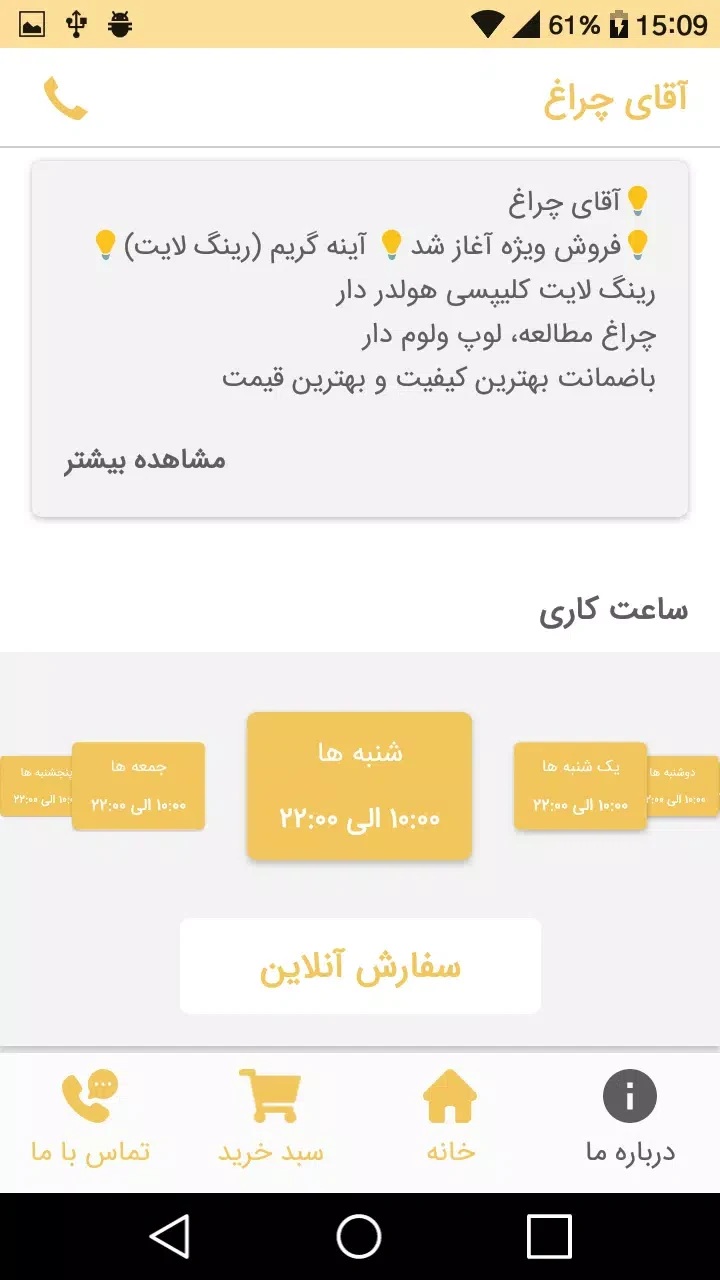

About this app
آقای چراغ is a compact Android utility for turning a phone into a light and signaling tool. Its main interface brings together torch control, screen-based illumination, adjustable brightness, color filters, SOS patterns, and strobe modes, so users can select an appropriate light source without moving between separate tools.
Flashlight and screen lighting
The app can control the camera LED at adjustable intensity levels for tasks that require a stronger light. It also provides screen-light modes for lower brightness and softer illumination, which can be useful for reading or creating a gentle ambient glow. Screen color filters add another way to adapt the display-based light to different needs.
Light modes are placed on the main interface and are designed to toggle directly. The app also responds to physical buttons, while quick-access widgets and notification controls can activate the light without opening the full application.
Signaling controls
آقای چراغ includes strobe options and customizable SOS patterns for signaling in roadside or outdoor situations. These controls are separate from the regular steady-light modes, allowing the phone to function as an attention signal when a flashing pattern is more appropriate.
Brightness levels can be adjusted for both the camera LED and the screen light. Users who often need a particular medium glow can create a home-screen shortcut for that intensity, reducing the number of taps needed to reach a preferred setting.
Interface and layout options
The interface uses large, clearly labeled buttons and high-contrast icons intended to remain visible in low-light conditions. Options are grouped by function to reduce accidental taps, and the app provides three layout sizes for different phone screen dimensions. Fast transitions keep movement between controls brief.
Battery and operating controls
The app minimizes background activity and disables unnecessary services while the light is off. When the camera LED is used at high intensity, the app recommends short bursts to help avoid overheating. Screen-based modes provide a softer alternative when conserving battery is more important than maximum brightness.
A timeout option can stop prolonged use, while a lock feature helps prevent accidental toggling while the phone is being carried. These controls are useful for keeping the selected mode from running unintentionally.
Setup and accessibility
During setup, users grant camera and system permissions when prompted, then can place a widget on the home screen for faster access. A guided setup lets first-time users test brightness levels and choose a default mode. The app keeps those settings persistent so the selected configuration is available when it is opened again.
Accessibility settings can increase button sizes and provide screen reader labels. Together with the layout choices and clearly marked controls, these options support users who need larger touch targets or spoken interface labels.
Version history
View all14 Oct 2026 · stable