

Aloha
Aloha MobileAloha is an Android browser that combines private tabs, a built-in VPN, ad and tracker blocking, media downloads, and protected file storage. It also provides tab gestures, bookmark import, homepage customization, and controls for privacy, downloads, cookies, and appearance.
Screenshots
About this app
Aloha is an Android browser focused on private browsing, cleaner pages, and convenient media handling. Its built-in VPN, ad and tracker blocking, private tabs, media downloader, and file vault bring several browsing controls into one app.
Which privacy features does Aloha provide?
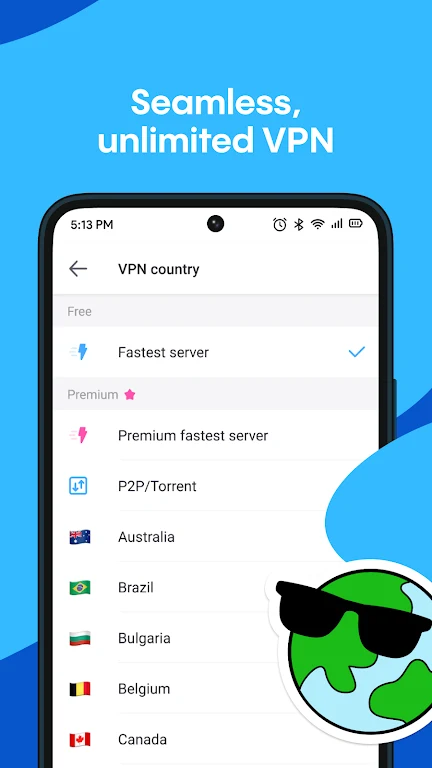
Aloha includes a private mode for sessions that do not save browsing history, along with private tabs for separating sensitive browsing from regular activity. Its integrated VPN can be switched on within the browser to mask network traffic, which the source identifies as useful when using public Wi-Fi or visiting unfamiliar sites. Tracker blocking and site-level settings provide additional control over how browsing activity and page content are handled.
The app also presents toggles for privacy-related features and allows manual control over permissions. Users can adjust cookie handling, choose the strength of ad blocking, and decide whether downloaded media is stored in the protected file vault. The vault is described as encrypted storage for sensitive downloads and files.
Can it block ads and trackers while browsing?
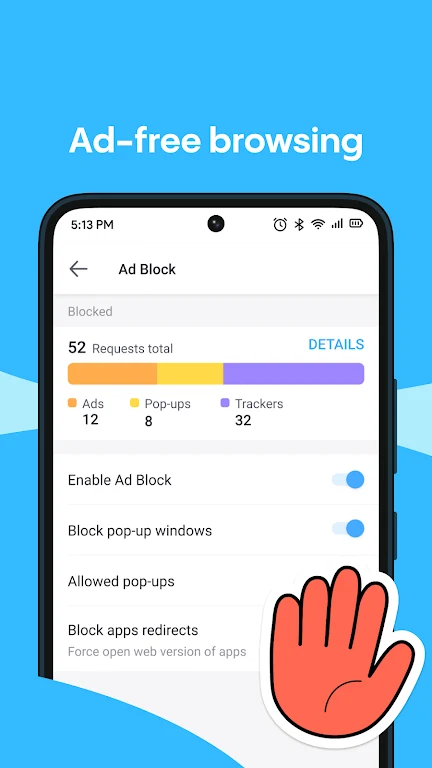
Aloha has a built-in ad blocker intended to reduce intrusive advertising and cross-site trackers. This can make pages less cluttered, while the source also associates the blocking and data-saving options with lower bandwidth use on limited data plans. The controls are configurable rather than being limited to a single fixed browsing setup.
How does the media downloader work?
The media downloader detects embedded videos and audio files on webpages and lets users save them to the device. This supports use cases such as keeping lecture clips for offline viewing or collecting media while browsing, although the source does not define which websites or file types are supported. Download behavior can be configured, including whether media is placed in the app's protected vault.
What navigation and personalization controls are available?
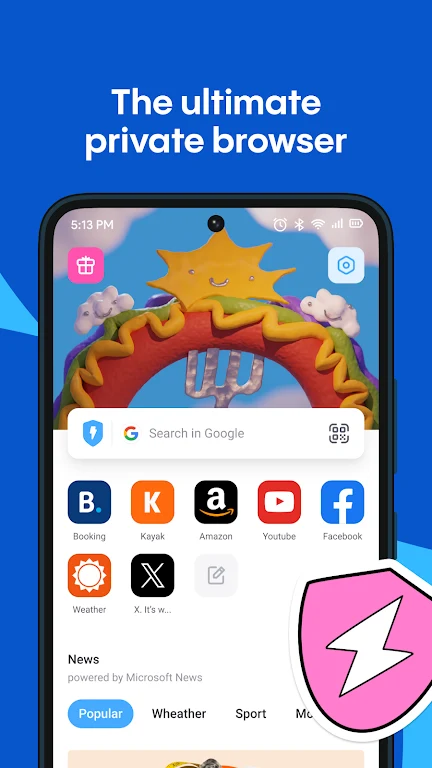
Aloha places commonly used controls along the bottom of the screen, supporting one-handed browsing. Swipe gestures, quick tab switching, and familiar navigation patterns are intended to keep movement between pages and tabs direct. The start page can use speed dials for favorite sites, and users can organize the home screen around frequently visited pages.
Personalization includes light and dark themes, default behaviors for downloads and video playback, and settings for privacy and appearance. Bookmarks can be imported when moving from another browser. These options allow the browser to be set up for general reading, focused research, or a workflow centered on media collection.
Who might use Aloha's feature set?
Aloha's combination of privacy controls and browsing tools is relevant to people who regularly use public Wi-Fi, travelers who want an integrated VPN and private tabs, and readers who prefer pages with fewer advertisements. Students may use the media downloader for lecture clips, while users with limited data plans may value the source's stated data-saving options. The app can also serve as a focused browser for research or media-related tasks.
What should users know about setup and device support?
The source describes setup as including optional bookmark import, VPN and ad-blocker controls, media downloader configuration, and homepage shortcuts. It also says that the app is intended for modern Android devices and adapts resource use according to device capabilities, but it does not provide a specific minimum Android version. Compatibility should therefore be checked against the device before relying on a particular feature.
Version history
View all15 Oct 2026 · stable