

Chennai Super Kings
Coromandel Infotech India LimitedChennai Super Kings is a fan companion app that gathers team content, live match updates, behind-the-scenes videos, news, ticket booking and merchandise in one place. Its personalization and notification settings can be adjusted so users receive selected updates, such as wickets and final results, rather than every alert.
Screenshots
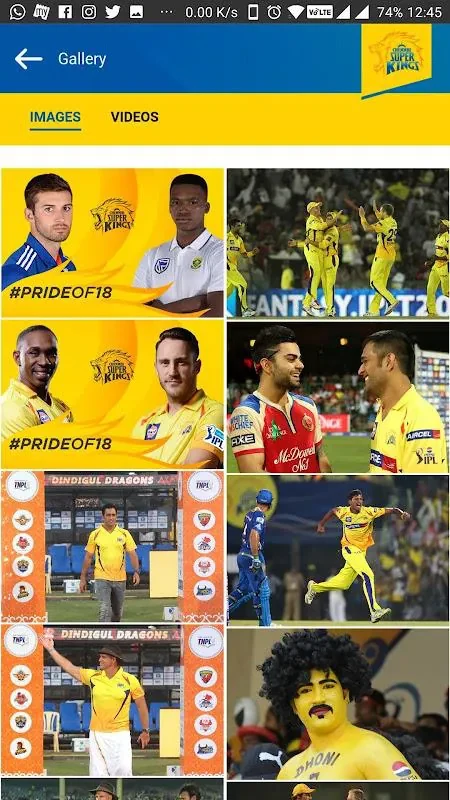
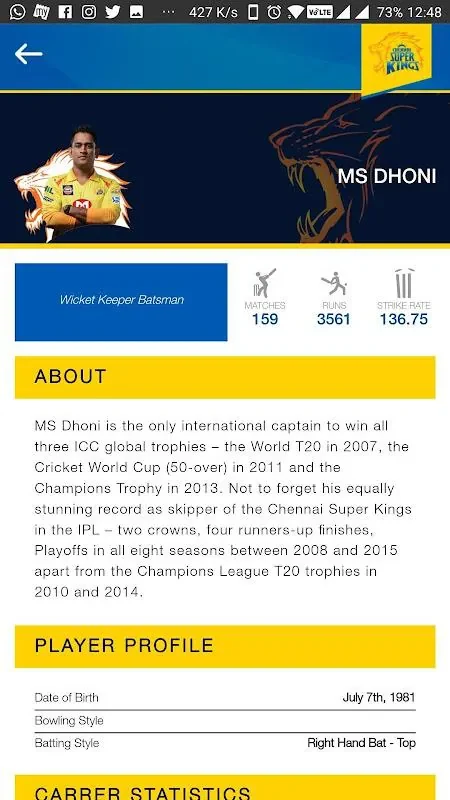
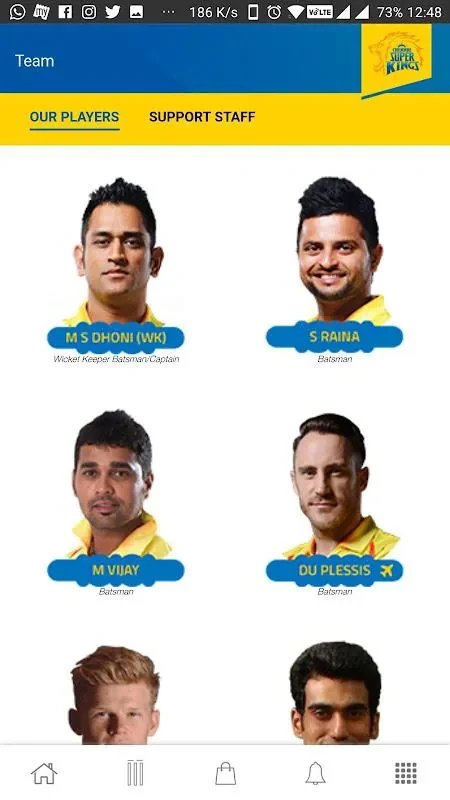
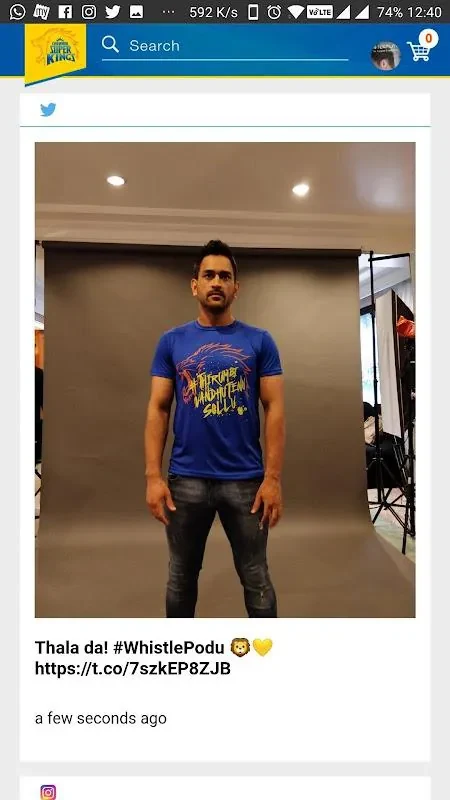

About this app
The Chennai Super Kings app is built for supporters who want to follow the team around match days and throughout the season. According to its listing, it brings team content, live scores, videos, ticketing and shopping into a single app, so fans can move between these areas without leaving the same environment.
Following matches as they happen
On match days, the app's live coverage is the central feature. The listing describes real-time scorecards, detailed over summaries and interactive timelines that mark boundaries, wickets and turning points. Fans who cannot watch a broadcast can use these views to follow the progress of an innings. The source also mentions pre-match build-ups, ball-by-ball commentary and post-match analysis, which fit the same need of staying informed from start to finish.
Catching up on videos and news
Outside live play, the app focuses on stories and footage. Its video library is described as containing highlights, press conferences and behind-the-scenes moments with players and coaching staff. The news section is described as regularly updated, with exclusive interviews and feature pieces about form, injuries and roster changes. Together, these sections let a fan review a match or learn about the squad between fixtures.
Buying tickets and merchandise
The app also covers ticketing and shopping. For matches and events, the listing describes ticket booking with calendar reminders and venue information. The merchandise section is described as having product pages, sizing guides and secure checkout for team gear. The source states that secure payment options are part of the shopping experience and that the app follows standard privacy practices for storing ticket information and preferences. For frequent attendees, the listing suggests linking a profile to ticketing details, which may speed up checkout when demand is high.
Choosing what notifications to receive
Personalization is the main way to reduce noise. Users can choose favorite players, turn on push alerts for match events, or opt in to merchandise drops and ticket presales. Notifications can also be limited to critical updates, such as wickets and final results. This option is useful for a fan who wants to stay informed about key moments without receiving every update during a match.
Navigation, performance and offline viewing
Tabbed menus are designed to move quickly between live, video, shop and profile areas. The listing says that cached content and short loading times help the app respond when network conditions vary. Videos are described as streaming at adaptive quality based on connection speed, and essential pages such as scorecards and news summaries are cached for quick offline viewing. The listing also says the app is built to use battery and data efficiently across a range of Android devices.
Getting started
Setup begins with downloading the app and signing in with an email or social account. The onboarding flow then guides new users through notification settings and favorite team selections, so the first screens show content that matches their interests.
Version history
View all15 Oct 2026 · stable
Frequently asked questions
How can I check whether my Android device is supported?
The listing states that compatibility notes and minimum OS requirements are shown in the app store. The supplied data does not include a clear minimum Android version, so check the store listing for the current requirement before installing.