

Counter Input Demo
Measurement ComputingCounter Input Demo is an Android utility from Measurement Computing that presents interactive numeric counter widgets for developers and testers. It helps teams check increment behavior, value limits, validation messages, and accessibility of input controls before they reach production.
Screenshots
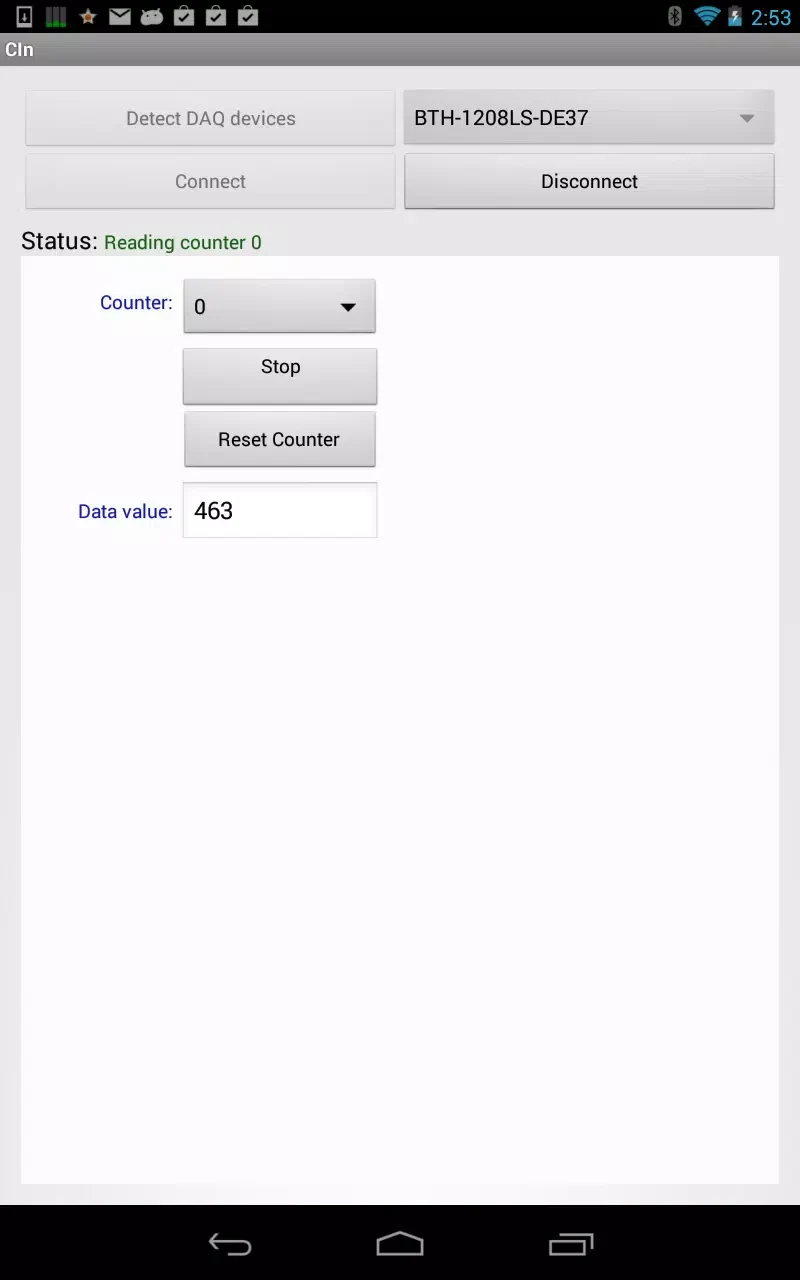
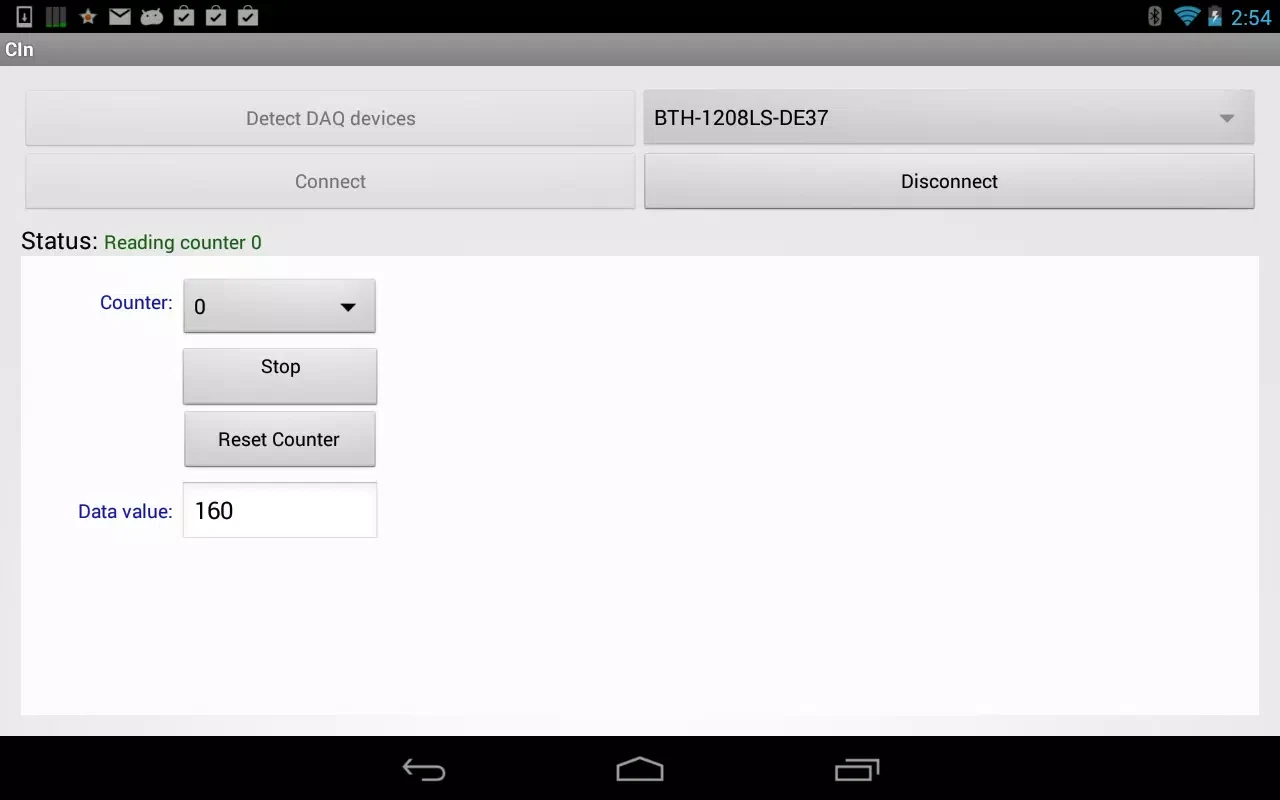
About this app
Counter Input Demo is a developer-oriented Android utility from Measurement Computing. Its main purpose is to show how numeric input controls behave, so developers and testers can prototype, debug, and refine incremental input before it is built into a production app. According to its description, the app focuses on developer-friendly features rather than full consumer functionality.
Prototyping increment rules before production
The app presents several counter types: stepper controls for small increments, long-press acceleration for rapid changes, and bounded inputs that enforce minimum and maximum values. Customization is a central theme. Step sizes, delimiter rules, and whether negative values are allowed can all be changed, which makes it possible to compare increment schemes and validation rules without rebuilding an entire app. The description calls the app a sandbox for testing input logic, and exported sample configurations can be used to reproduce the same scenario on other devices.
Reproducing edge cases and bug reports
Testers can simulate rapid repeated taps, simultaneous keyboard and touch input, and locale-specific number formats. Real-time validation highlights invalid states while keeping the user's context, and the app records actions in a concise log. The description states that exported logs can be attached to bug reports or shared with teammates, which supports recreating a problem and comparing behavior between builds. Switching locale settings is also suggested as a way to observe differences such as decimal separators.
Checking accessibility and focus navigation
Built-in accessibility attributes are described as a way to evaluate screen reader behavior and focus navigation. Auditors can review focus order, labels, and how assistive technologies announce value changes as a counter is adjusted. The listed compatibility checks also cover keyboard navigation, hardware buttons, and multi-window mode, which are relevant when examining how input behaves across different device configurations.
Reviewing controls, feedback, and visual styling
Each counter combines tactile buttons with an editable numeric field, so direct typing and incremental adjustment can be tested side by side. Color shifts and short messages indicate when a value reaches a limit or when validation fails. Theme controls show how counters respond to different typographic scales and color palettes, which can help designers assess how a style choice affects interaction. The description suggests saving configurations that reflect a component library and using them as regression tests when styles or behavior change.
Getting started and performance notes
To begin, open the main screen and explore the presets, then start with a basic stepper to see immediate feedback. The advanced tab provides settings for acceleration, clamping, and validation messages, and the logging panel captures sequences of actions. The listing describes animations as modest and says the app keeps timing consistent for long-press acceleration and debounce logic. These performance statements come from the app's description and have not been independently verified here.
Version history
View all14 Oct 2026 · stable