

Delux Sales
Kevalam SoftwareDelux Sales brings customer management, product catalogs, quoting, invoicing, order creation, and sales reporting together in an Android workspace. It also documents offline data capture, configurable pipelines, analytics, integrations, and multi-user tools for small and mid-sized businesses.
Screenshots

About this app
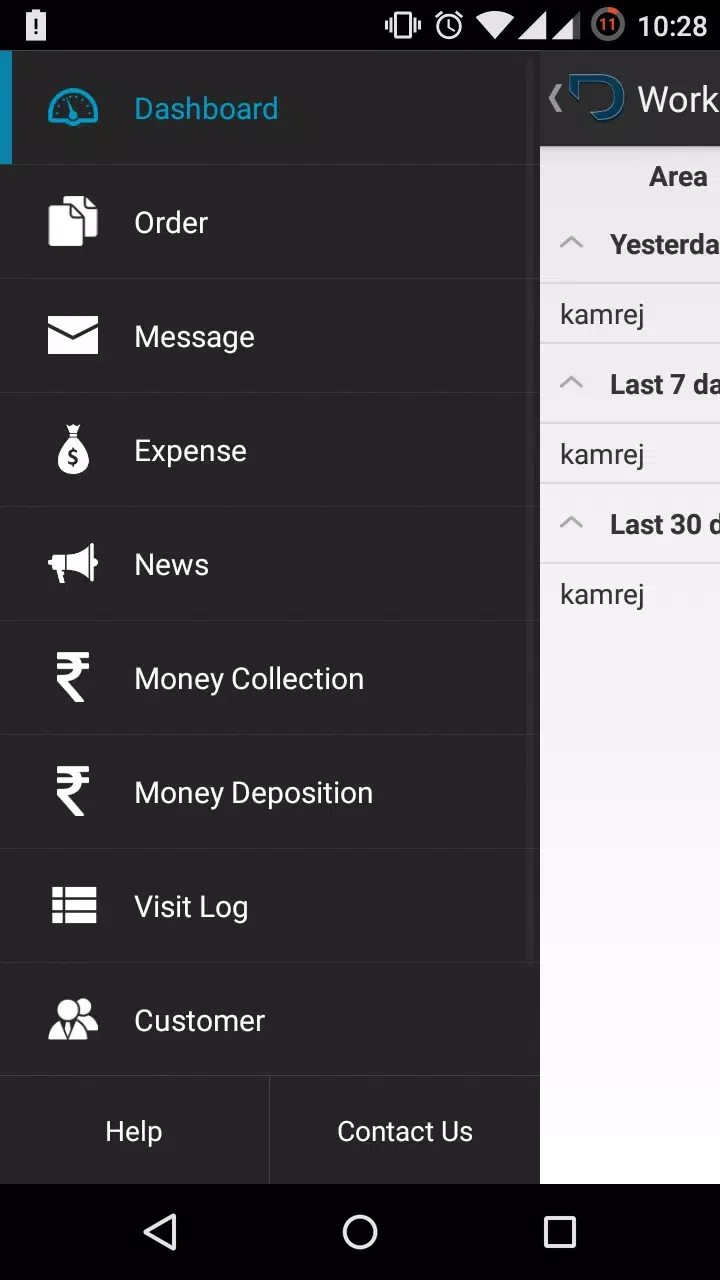
Delux Sales is an Android sales management app for handling orders, invoices, customer relationships, and related sales work from one mobile interface. Its documented tools bring together contact records, product catalogs, quotes, customer and lead tracking, inventory snapshots, and sales reporting for small and mid-sized businesses.
Orders, quotes, and invoices
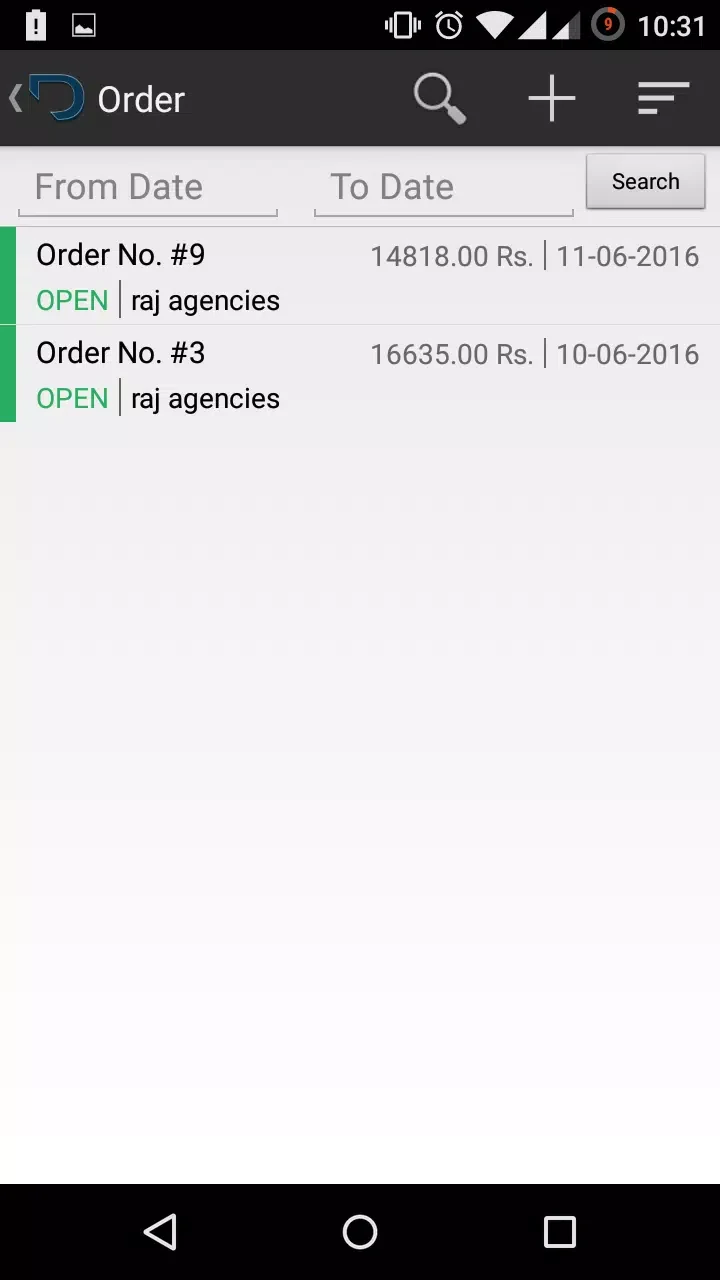
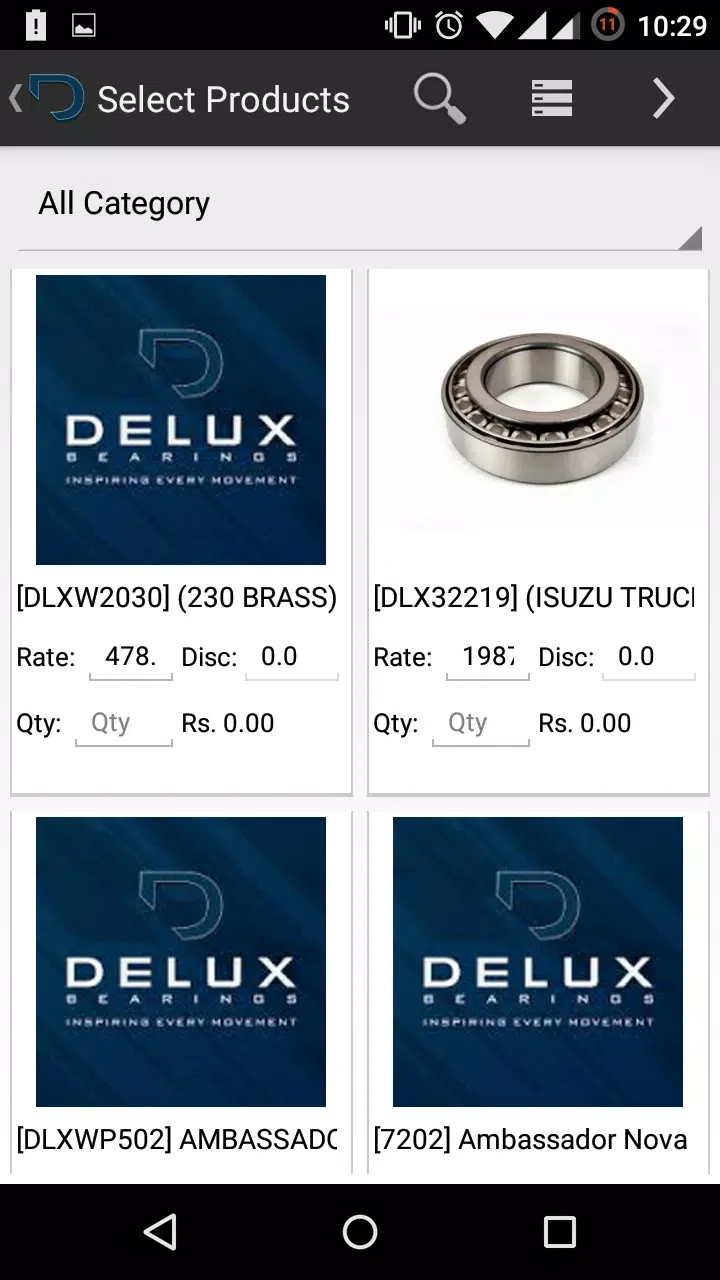
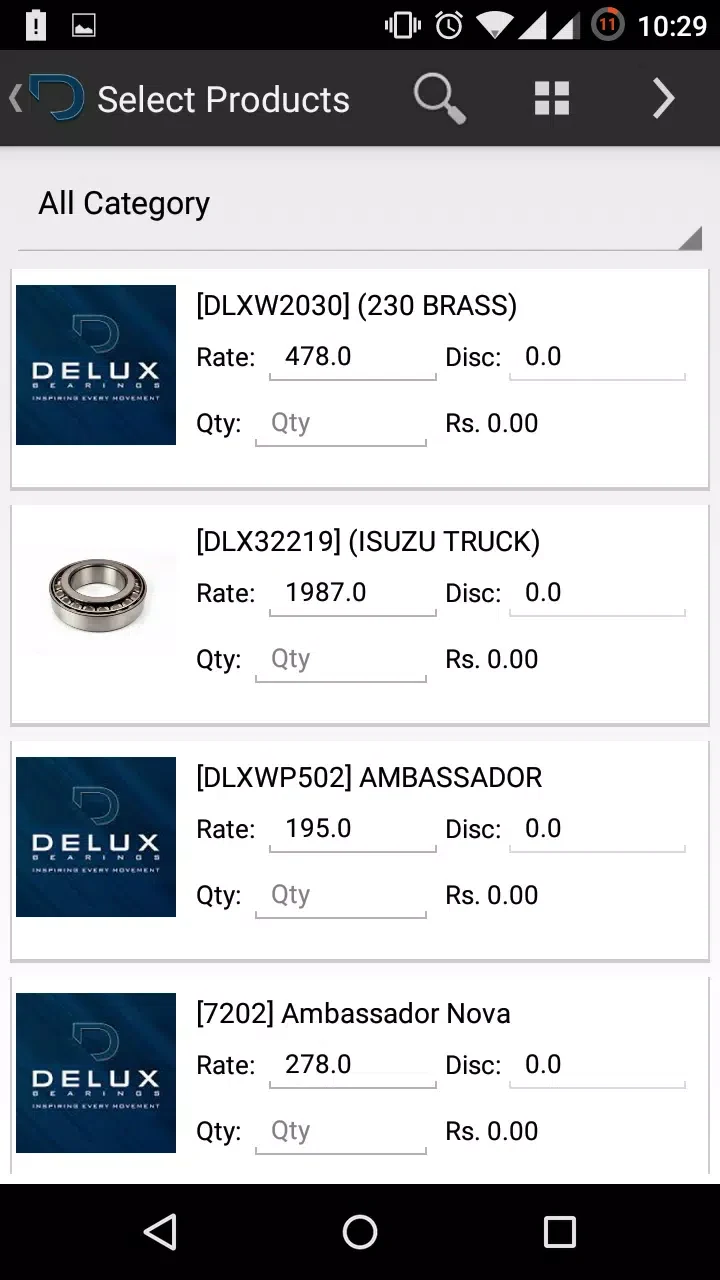
The central sales workflow covers several routine tasks that are often handled separately. Users can create quotes, prepare invoices from built-in templates, and manage orders using product information stored in the catalog. Branded invoice templates, configurable invoice layouts, and flexible tax settings support different business rules. Product scanning and barcode support are listed as tools for speeding up order creation, particularly for staff working away from a desk.
The app also provides inventory snapshots, allowing users to view product-related stock information as part of the sales process. Its description does not define the inventory system in further technical detail, so the documented scope is limited to these snapshots and their relationship to order work.
Customer and lead management
Delux Sales stores customer and lead information alongside sales activity. Customer histories and activity timelines provide a record of interactions that can be consulted during calls or visits. Lead tracking, reminders, and scheduled follow-ups are intended to keep pending opportunities visible, while configurable pipeline stages and probability estimates support the organization and forecasting of prospects.
Pipelines can be configured for different product lines or customer segments. The listed automation tools can move opportunities forward when defined triggers are met, reducing the amount of manual stage management. These controls are presented as part of the app’s sales-process toolkit rather than as a replacement for user decisions about customer activity.
Dashboard and reporting
A dashboard brings together outstanding invoices, recent customer interactions, and top-performing products. This gives users a summarized view of selected sales activity without removing access to the underlying customer, product, and invoice records.
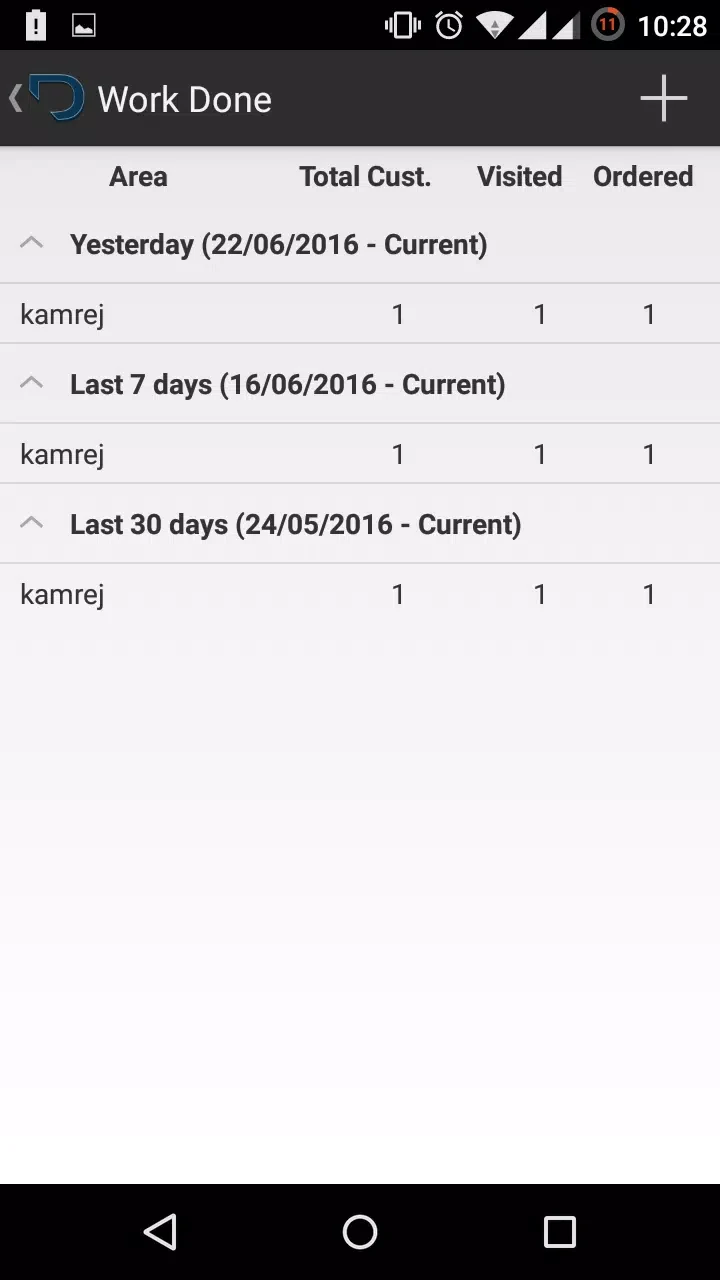
The analytics module covers sales trends, top customers, product performance, and aging receivables. Visual charts and comparisons across periods are included in the documented reporting tools. Reports can be exported to common formats and scheduled for delivery to managers by email, providing options for sharing sales information beyond the app.
Offline work and team use
Offline mode allows users to capture opportunities when a connection is unavailable. The source states that changes sync automatically when connectivity returns. This capability is relevant to field teams and other users who may create or update sales information while meeting clients away from the office.
Multi-user accounts support collaboration for small teams. The app also lists integrations with accounting systems, payment gateways, and cloud storage services, including synchronization of customers and invoices with back-office software to reduce duplicate entry. The supplied information does not name specific services or explain the setup for each integration.
Configuration and access controls
Businesses can use custom fields, configurable invoice templates, flexible tax settings, and pipelines adapted to their products or customer groups. The description also lists support for larger catalogs, additional users, and multi-location tracking as a business grows. These options are intended to align the app with existing sales rules while retaining a mobile-oriented workflow.
For administration, Delux Sales lists role-based access controls, permissions for sensitive actions such as price changes or exports, and activity logs for audit trails. It also describes encrypted data transfer, secure cloud backups, regular backups, and recovery options. These are documented data-handling features; the supplied information does not provide technical specifications for their implementation.
Setup and support
The stated onboarding process begins with account creation, followed by importing customers and products and setting basic preferences. In-app guides, contextual help, customer support, and knowledgebase materials are listed for initial and advanced setup. The source also states that regular updates add features and performance improvements.
Version history
View all14 Oct 2026 · stable