

Dhinchaak TV
Dhinchaak TV brings together live Bhojpuri, Hindi, and English television channels with an on-demand movie library. It also provides search, watchlists, recommendations, subtitles, playback-quality controls, profiles, and parental controls for a more organized viewing experience.
Screenshots

About this app
Dhinchaak TV is an Android video application for watching live television channels and browsing an on-demand library of movies and shows. Its documented content focus includes Bhojpuri, Hindi, and English channels, along with films across different genres.
Live television and on-demand viewing
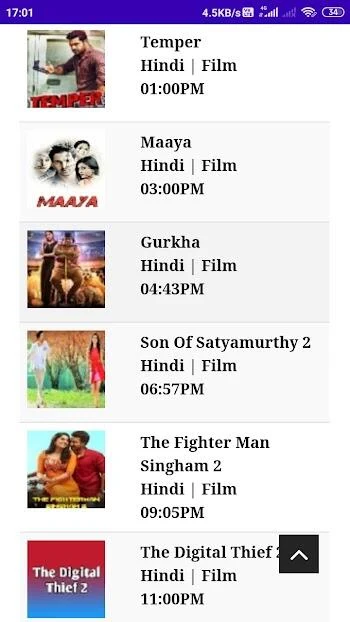
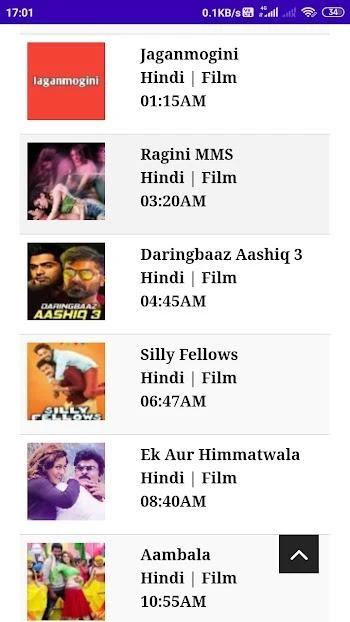
The app combines live TV with a separate collection of movies and television content. Users can browse the organized home page to find channels and access the movie section, making the main viewing experience suitable for both scheduled channel programming and on-demand selection. The source specifically identifies Bhojpuri and Hindi programming, while the highlights also mention English TV channels.
Finding and organizing content
Dhinchaak TV is described as having streamlined navigation for moving between different types of content. Search tools help users look for specific programming, while a watchlist can be used to keep selected items together. The app also documents personalized recommendations based on viewing habits, intended to help surface content that matches a user's interests.
Playback controls and viewing options
The application supports subtitles and adjustable playback quality. The source lists SD, HD, and 4K video options, although the available quality can depend on the content and viewing conditions. It also describes an advanced sound system and Chromecast support. A reliable internet connection is required for streaming video.
Profiles and viewing controls
Multiple user profiles and configurable parental controls are included among the documented features. These tools provide separate profile options and controls for managing access to content within the app. The interface is described as personalized, allowing users to choose the content they want to view.
Accessing the application
The supplied instructions state that users install the APK on an Android device, open the application, and register through a social media platform before reaching the home page. The source identifies version 2.0.0 and lists bug fixes in its changelog.
Version history
View all19 Mar 2026 · stable