

DutaMovie21
DutaMovie21 is an Android app for streaming movies and TV shows, with genre browsing, title and cast search, and selectable HD or SD playback quality. The supplied listing describes it as free to use without a subscription, but some details about downloading and accounts conflict and are not covered here.
Screenshots
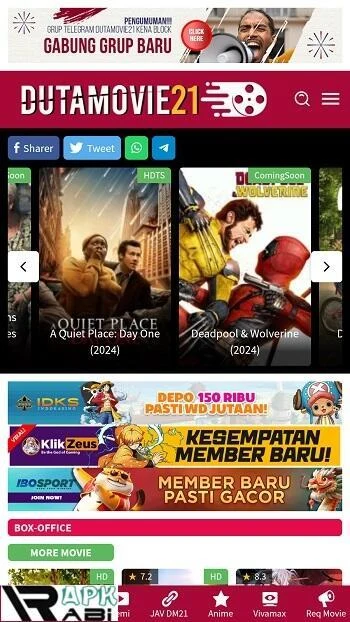
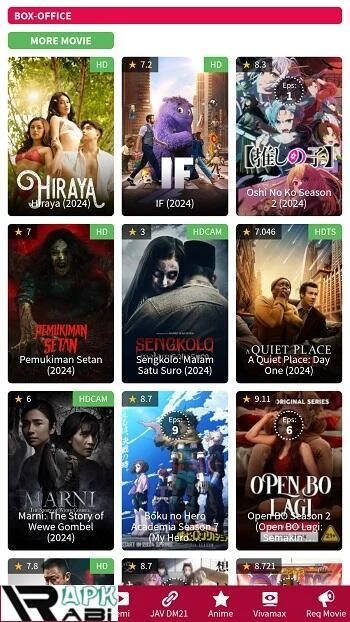
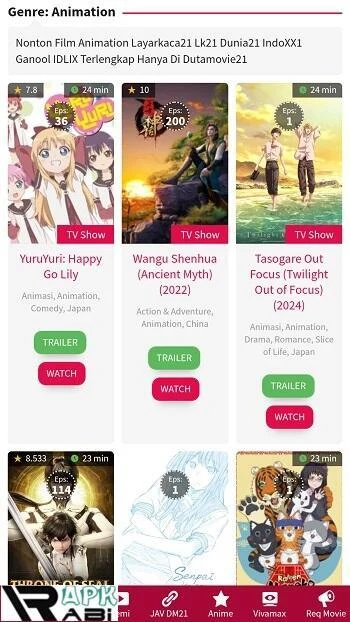
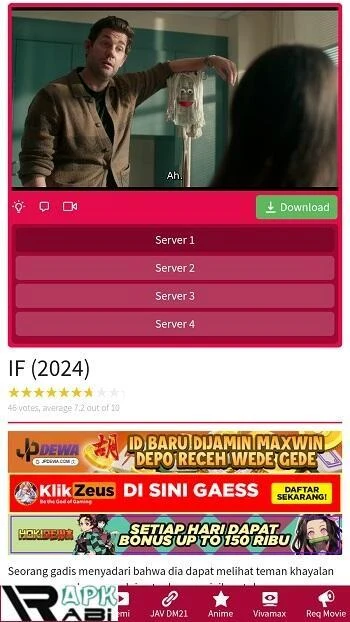
About this app
DutaMovie21 is an Android app for watching movies and TV shows on a phone or tablet. Its core purpose is streaming film and television content, and the supplied listing centers on a browsable library, a search function, and selectable playback quality. The app is categorized under Media & Video, and the structured details identify version 3.4.
A Streaming Library Found by Browsing or Search
The app's main function is giving users access to a collection of movies and TV shows, which the source describes as ranging from classic films to newer releases. Users can browse by genre through the menu bar, with examples including action, comedy, romance, and horror. The listing also mentions special categories such as new releases, trending movies, and recommended films, which offer a way to find something to watch without knowing a title in advance.
When a specific title is in mind, search is the more direct route. According to the usage guide, users tap the magnifying glass icon, enter the name of a movie or TV show, and press search. The description adds that searches can use titles, genres, or actors' names, so search covers more than title lookup alone.
Choosing What to Play and at What Quality
Selecting a title opens its detail page. For a TV show, the user chooses an episode from a list on that page. Before playback, the user selects a video quality, with HD and SD named as the options. The guide advises choosing quality according to internet connection speed, which places that trade-off in the user's hands. Playback begins when the Play button is tapped.
The listing also describes high-definition streaming in general terms. Since the supplied material gives no further detail about resolution, performance, or picture quality, this profile does not describe image quality beyond the HD and SD choices documented in the usage steps.
Accounts, Settings, and Getting Started
The supplied material gives mixed information about accounts. The usage guide notes that some versions may ask users to log in or register, while the FAQ says content can be viewed without creating an account, although an account may enable features such as personalized recommendations. For users who have an account, the listing says account information can be updated, the password changed, or the user logged out from the settings area, which is reached through the Menu or Settings icon.
The settings area also covers video playback options, notifications, and other preferences. To start, the guide says users locate the app icon on the home screen or in the app list and tap it to open the app.
Documented Requirements and Usage Notes
Because the app is built around streaming, the source recommends a stable and strong internet connection to avoid interruptions during playback. The guide also suggests taking breaks between viewing sessions to reduce eye strain and using headphones for better audio. The app's update guidance says users should install the latest version to receive new features and improved performance, and the listing identifies version 3.4 in its structured details.
Conflicting Details and Legal Context
The supplied material contradicts itself on downloads. One section describes a Download button and a Downloads section for offline viewing, while the FAQ states that the service primarily offers streaming and does not support downloading. Because these statements conflict, this profile does not describe offline viewing as a confirmed feature. The FAQ also notes that the legality of streaming sites like this one varies by country and advises checking local laws and regulations on online streaming.
The listing states that the app is free, needs no subscription, and is ad-free. These are statements from the listing rather than independently verified facts, so they are reported here as claims only.
Version history
View all19 Mar 2026 · stable