

GFX Tool for PUBG
GFX Tool for PUBG is an Android utility for adjusting PUBG graphics settings to suit a device. It provides controls for resolution, frame rate, HDR, anti-aliasing, shadows, and selected device-performance options before launching the chosen game version.
Screenshots
About this app
GFX Tool for PUBG is a graphics customization utility that lets players configure PUBG display and performance options for their Android device. Its main purpose is to provide adjustable settings for resolution, frame rate, rendering quality, and related controls before starting the selected game version.
Choose settings for the device and screen
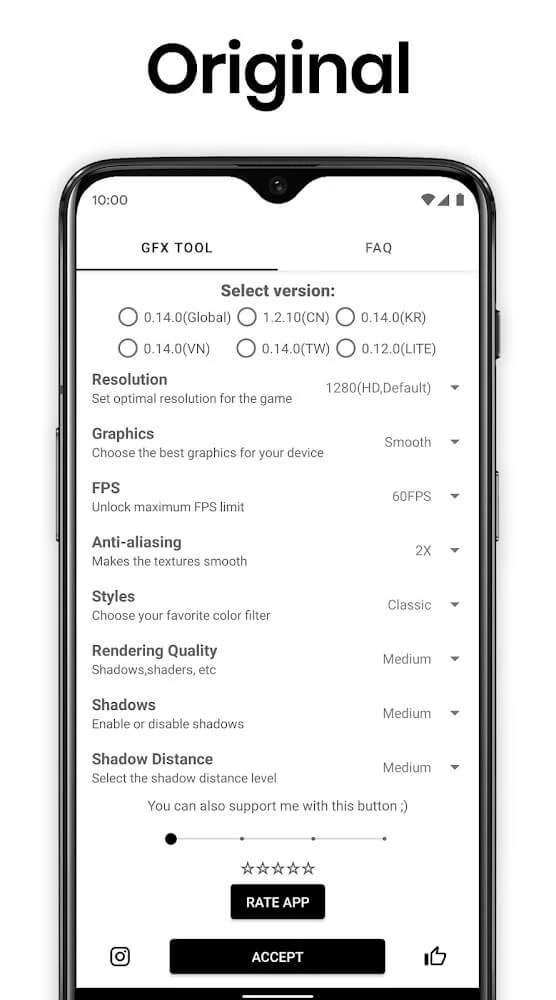
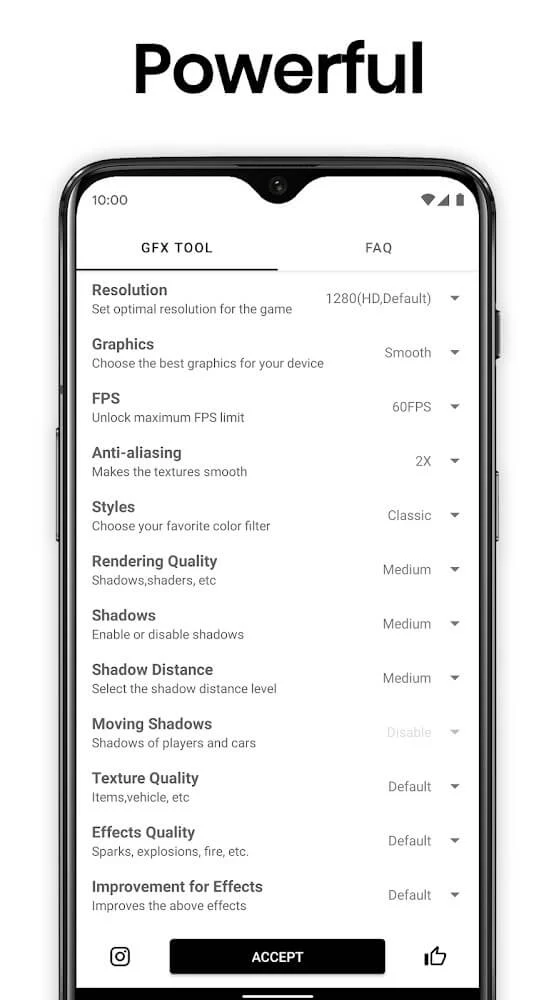
The app allows users to select a game version and then adjust the resolution, frame rate, and graphics type. Resolution can be set according to the phone's screen and hardware. Lower values may reduce the demand placed on the device, while higher values can make scenes appear clearer. The available balance depends on the capabilities of the Android device and the visual result the player prefers.
Frame-rate controls are included for users who want to choose among the levels available to the game and device. The source describes access to the full available frame-rate range where supported. A higher setting can make movement and controls feel more responsive, while reducing the frame rate may be appropriate if the device becomes warm or battery use increases during play.
Adjust rendering details
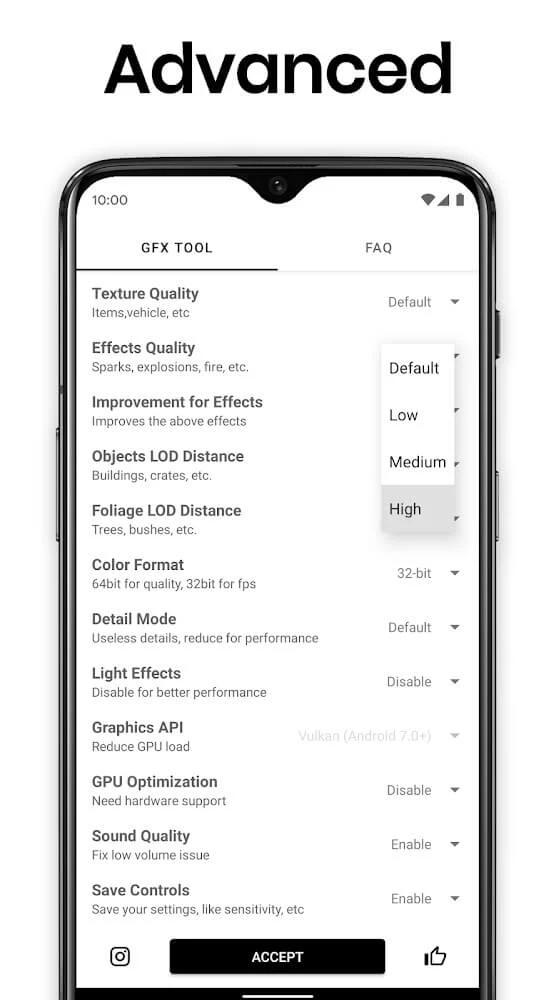
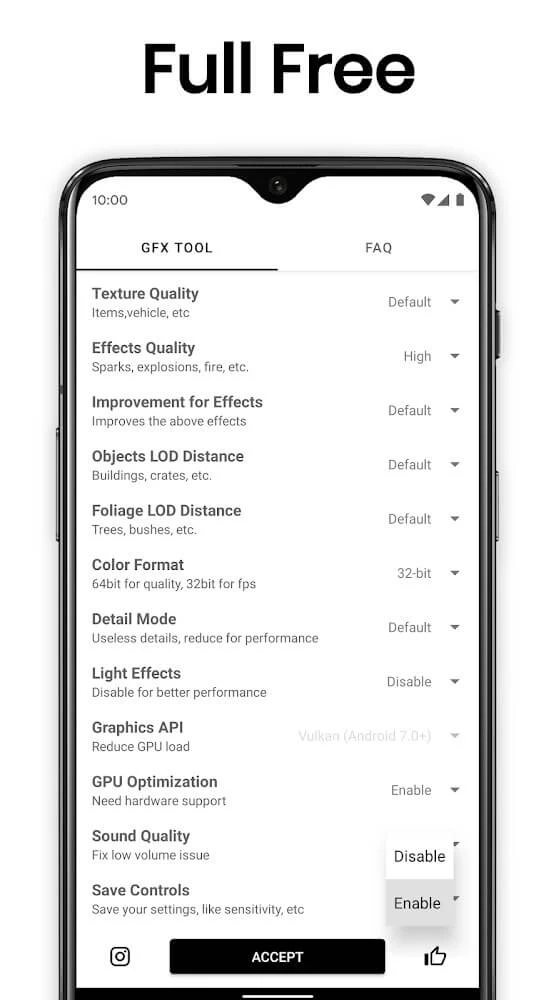
GFX Tool for PUBG also groups several visual-quality controls with the main graphics setup. HDR can be enabled when supported by the game and device. Anti-aliasing can be adjusted to smooth visible edges, and shadow quality can be changed to control the amount of depth and detail shown in scenes. Higher visual settings may affect performance on older hardware, so the supplied guidance recommends beginning with moderate values and changing one option at a time.
These controls give users a way to compare image quality and frame-rate behavior on their own device rather than applying one fixed configuration. The app is focused on visual customization and does not present the graphics options as independent features unrelated to the selected PUBG version.
Version selection and game launch
Before applying changes, the app asks the user to select the exact game version being played. This version-specific step is intended to match the available options to the chosen build. After the settings are accepted, the source describes an Accept and Run Game action that opens the title with the selected configuration, reducing the need to repeat the same manual choices each time.
Additional device controls
Alongside graphics settings, the source lists tools for clearing unnecessary RAM, adjusting CPU-related performance options, and enabling a battery saver mode while optimizing gameplay. These controls are presented as supporting utilities rather than replacements for the resolution and rendering settings. Their practical effect can vary with the device, so the available hardware remains an important limit when choosing configurations.
The interface is described as straightforward, with the relevant information and choices arranged in clear sections. The utility is intended to keep the setup centered on selecting options and starting the game instead of adding unrelated screens or extra boosters. The source also states that the application is free to use and does not require a license payment.
Version history
View all18 Mar 2026 · stable
Frequently asked questions
What version of GFX Tool for PUBG is listed in the source?
The listed version is 10.3.0.