

Goku.tu
Goku.tu brings movie and television discovery and playback together, with search, category filters, language options, and viewing controls. It also supports downloading content for offline viewing.
Screenshots
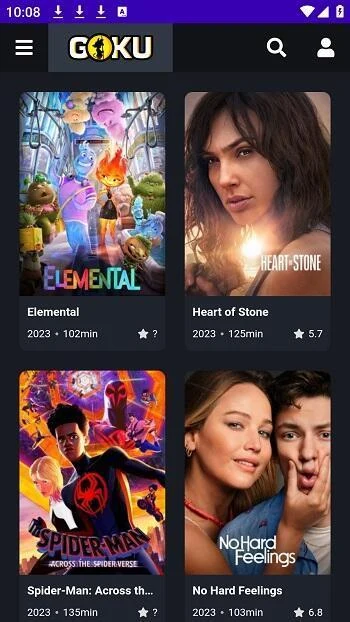
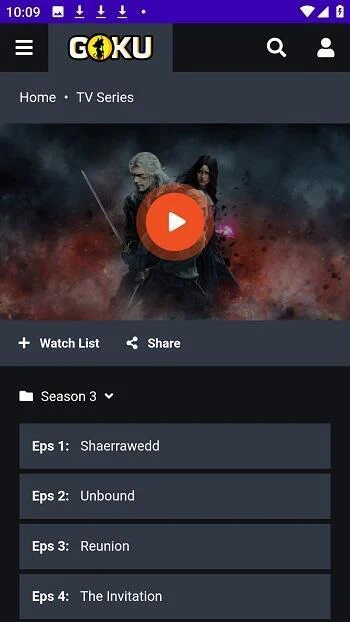
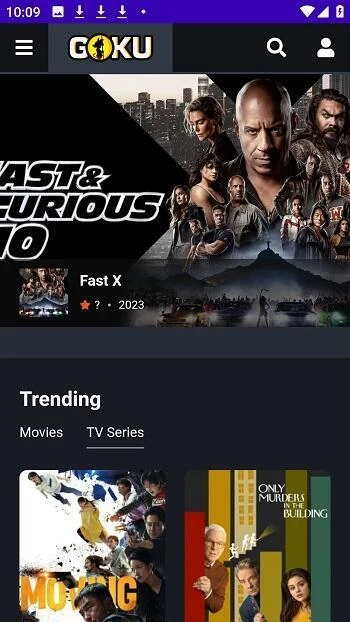
About this app
Goku.tu is a video streaming app for finding and watching movies and television shows on an Android device. Its discovery tools combine text and voice search with category filters, while playback can be adjusted to suit the viewer. Content can be watched online or downloaded for offline viewing, connecting browsing and playback in one app.
Find titles with search and filters
Search can be used to look for a particular movie or show, and the description also lists voice search as an option. For a broader search, filters cover details such as genre, release year, and cast. Results can also be sorted by popularity, rating, or release date. These controls offer several ways to narrow a search, whether the viewer has a specific title in mind or wants to browse by other details.
The app includes New Releases and Trending sections, which provide another route to browsing its available titles. The description also says recommendations draw on viewing patterns, watch history, ratings, and personal preferences. Rating movies and series is suggested as a way to inform those recommendations, so rating activity and discovery are connected within the app.
Choose how to watch
After finding a title, viewers can choose to stream it or download it for offline viewing. Downloads can be useful when a connection is not available during viewing, although the source does not specify download limits or how long saved content remains available. The source recommends managing device storage when saving content.
Playback options include adjustments to the viewing environment, screen size, and picture quality. The description states that video can be available at resolutions up to 1080p, but does not give details about which titles or network conditions support each resolution. It recommends a stable Wi-Fi connection for streaming; this is guidance in the source, rather than a stated requirement for using the app.
Language and subtitles
Goku.tu describes support for content in multiple languages, including English, Spanish, French, and German, as well as subtitles. This gives viewers language choices while browsing and watching, though the source does not specify which languages or subtitle options are available for each title. The app is therefore presented as combining content discovery, language options, and playback settings rather than limiting its controls to search alone.
Using discovery and viewing tools together
A viewer can search for a title or explore categories and sorting options, then select online playback or download the content for later viewing. During playback, the available screen-size and picture-quality controls can be adjusted. Ratings and viewing history are also used for personalized recommendations, while the New Releases and Trending sections offer additional ways to explore titles. The description notes that new content is updated automatically, but does not give an update schedule.
Version history
View all20 Mar 2026 · stable